Improve Your Renders
Turn basic default lighting into a more expressive and cinematic look.
A powerful library for artistic lighting with 500+ ready-made assets. Instantly place and shape light with full control over behavior, texture, and form.
Forget complex setups and technical limitations. Create visually rich, stylized lighting and make your renders stand out in minutes.
Explore the core features and capabilities of LightMaster Pro.
Turn basic default lighting into a more expressive and cinematic look.

Place and aim lights directly in the viewport with interactive controls and fast iteration.


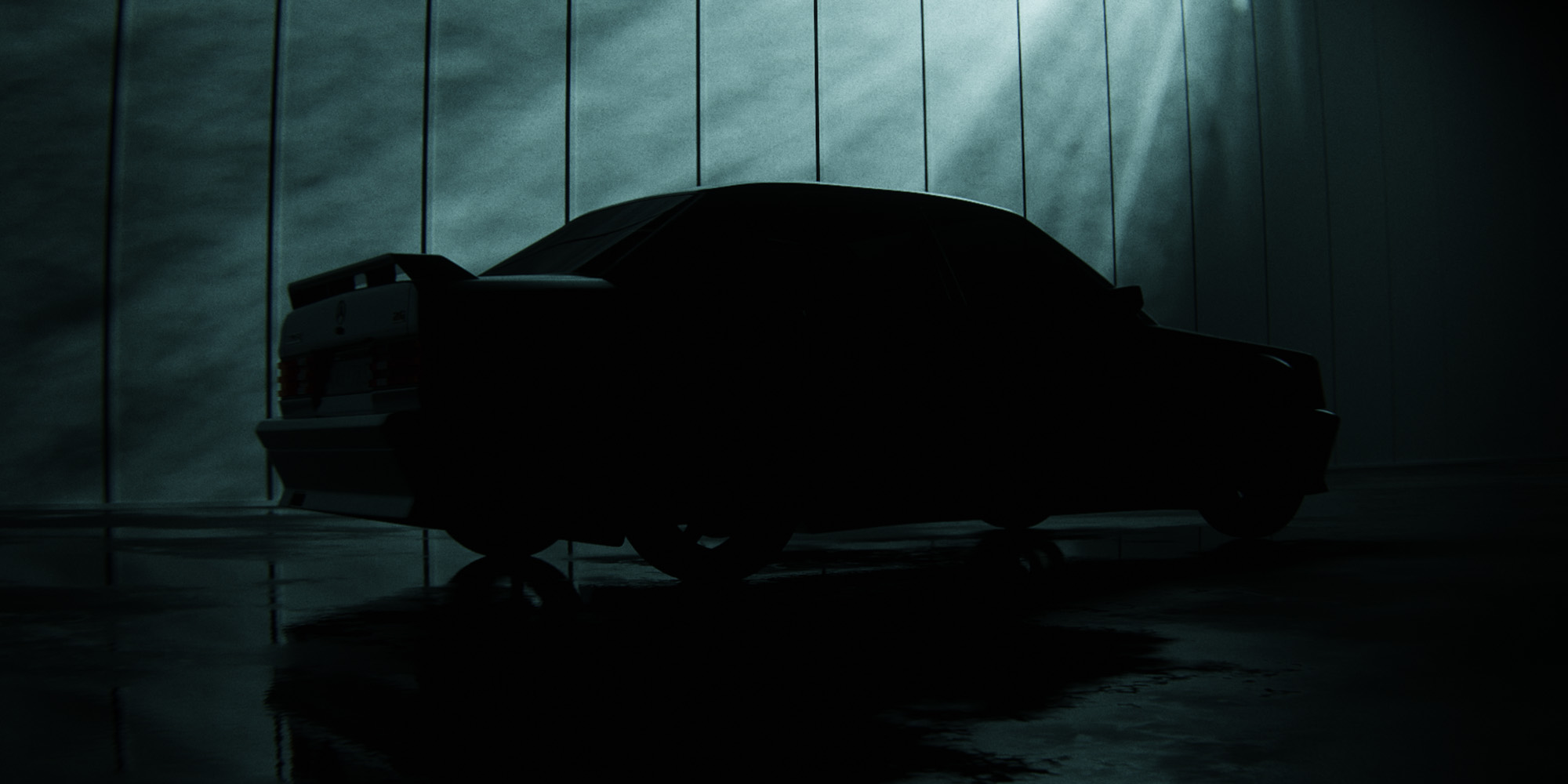
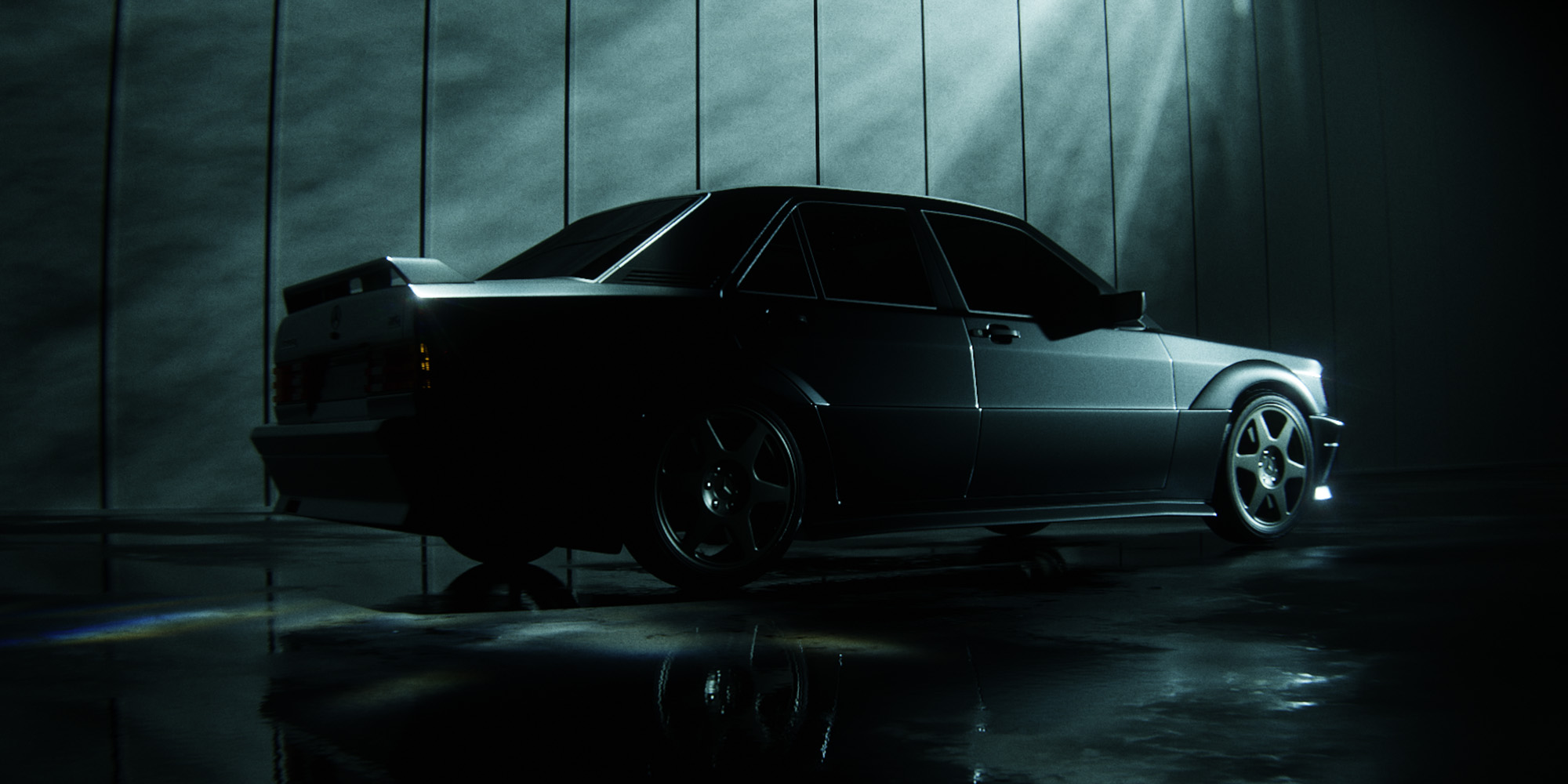
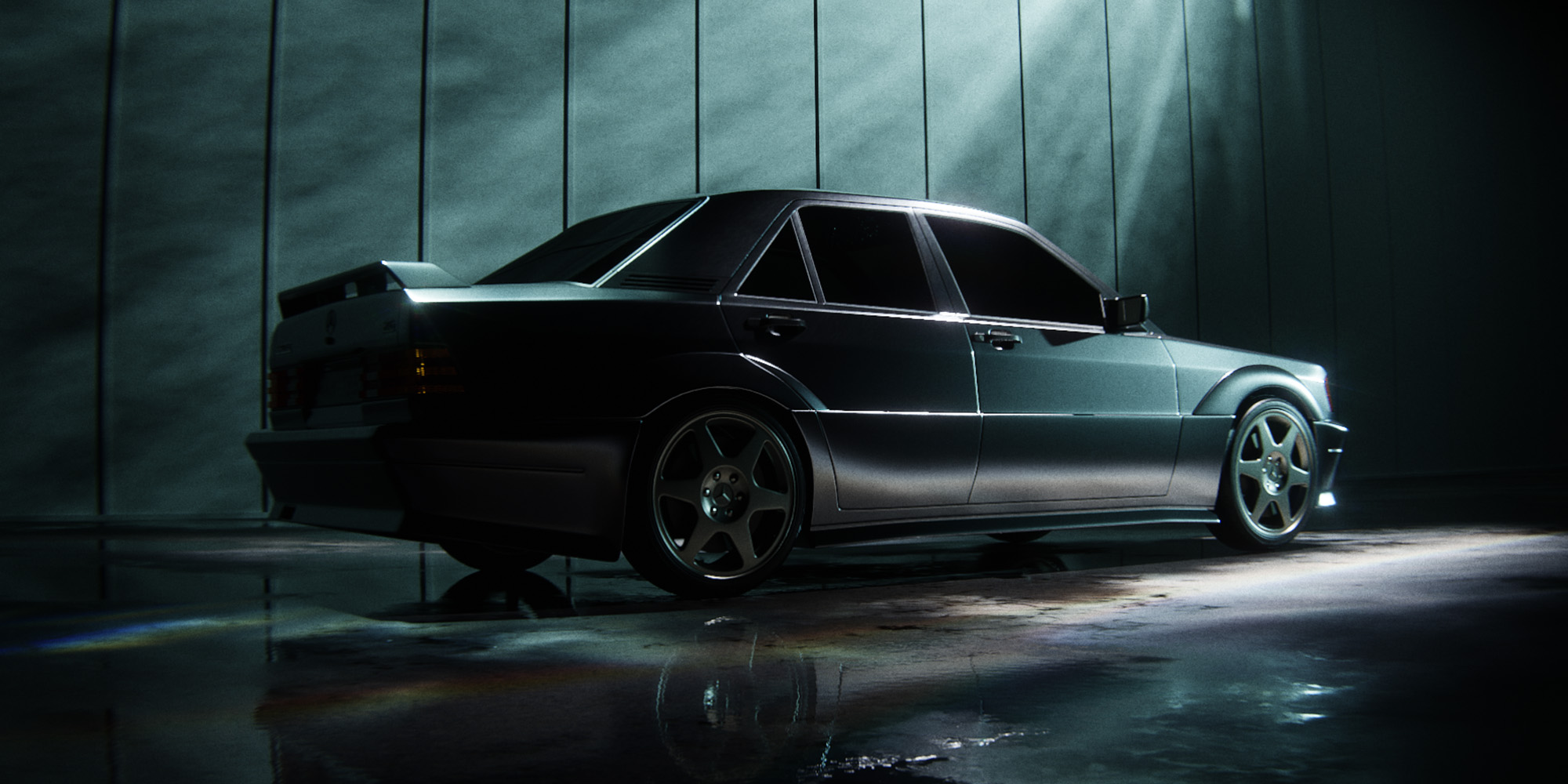
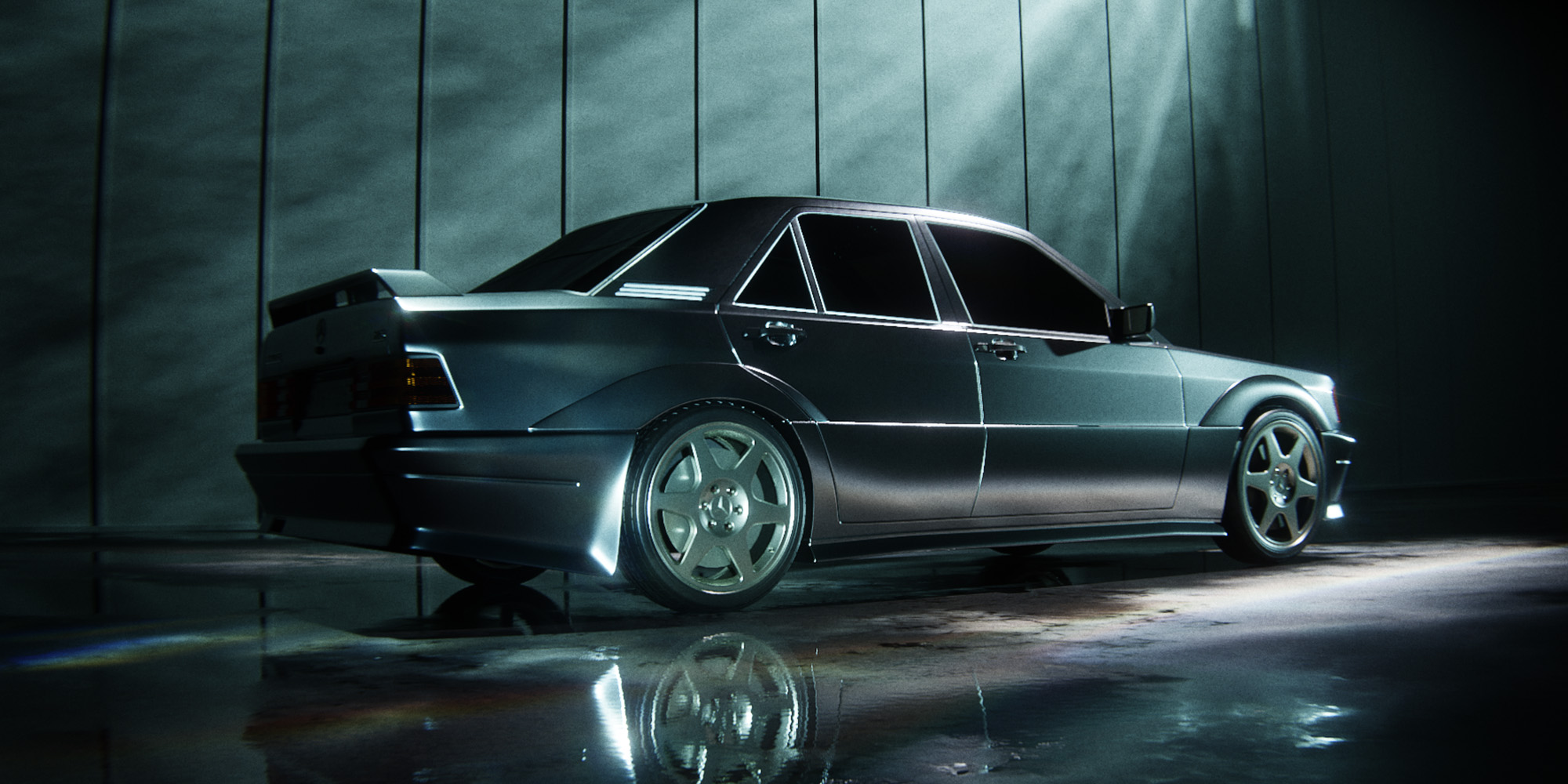
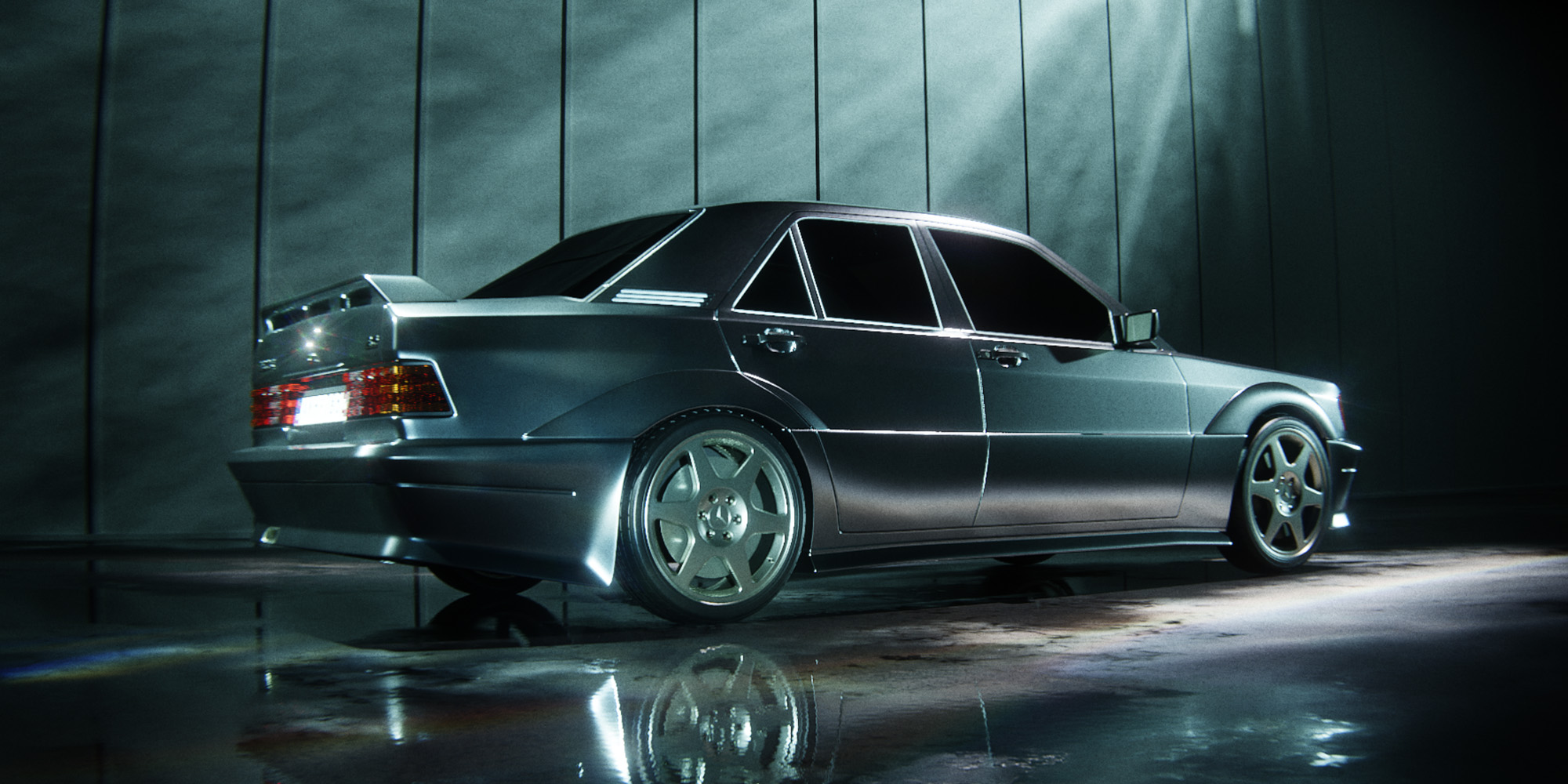
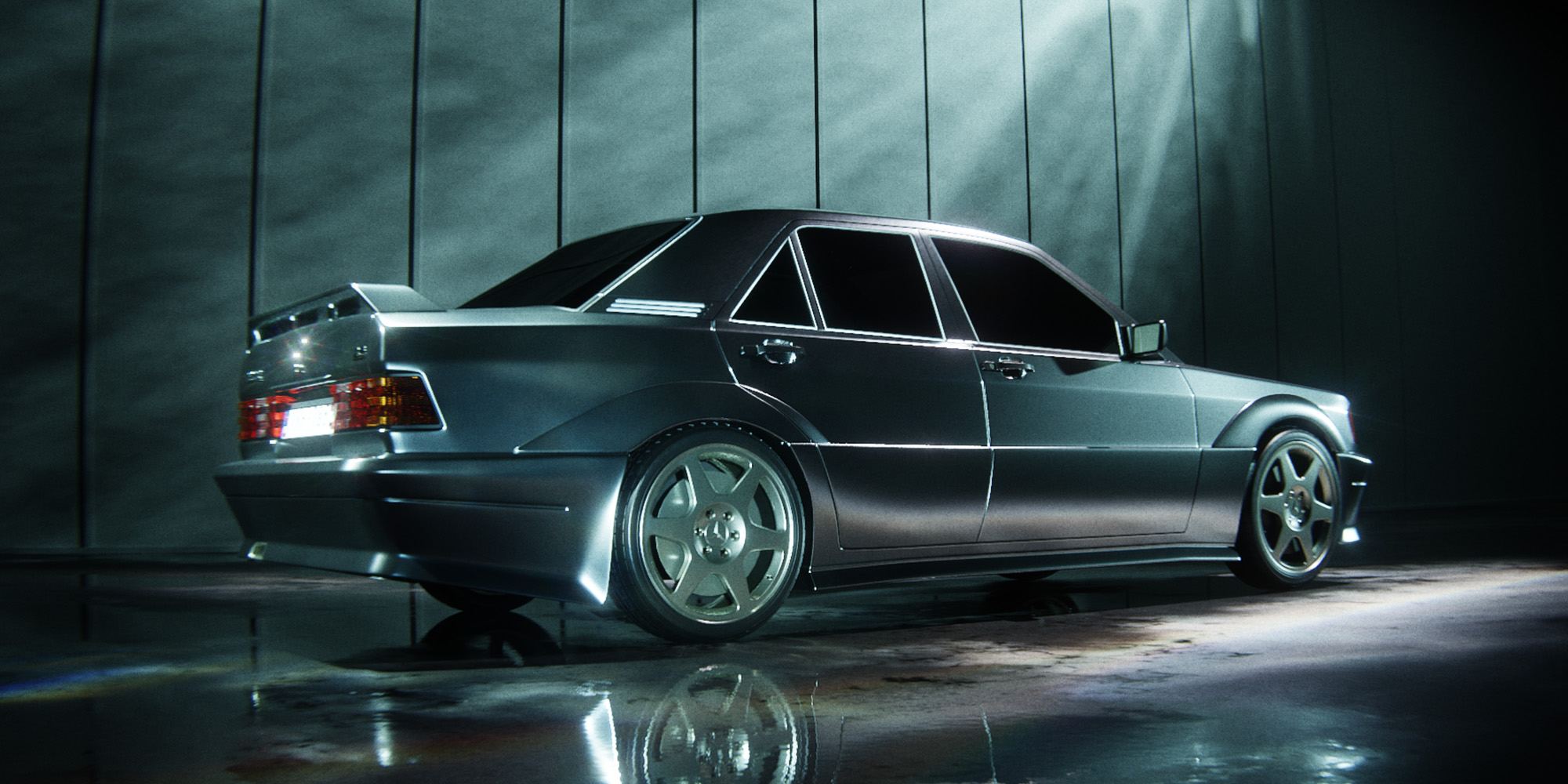
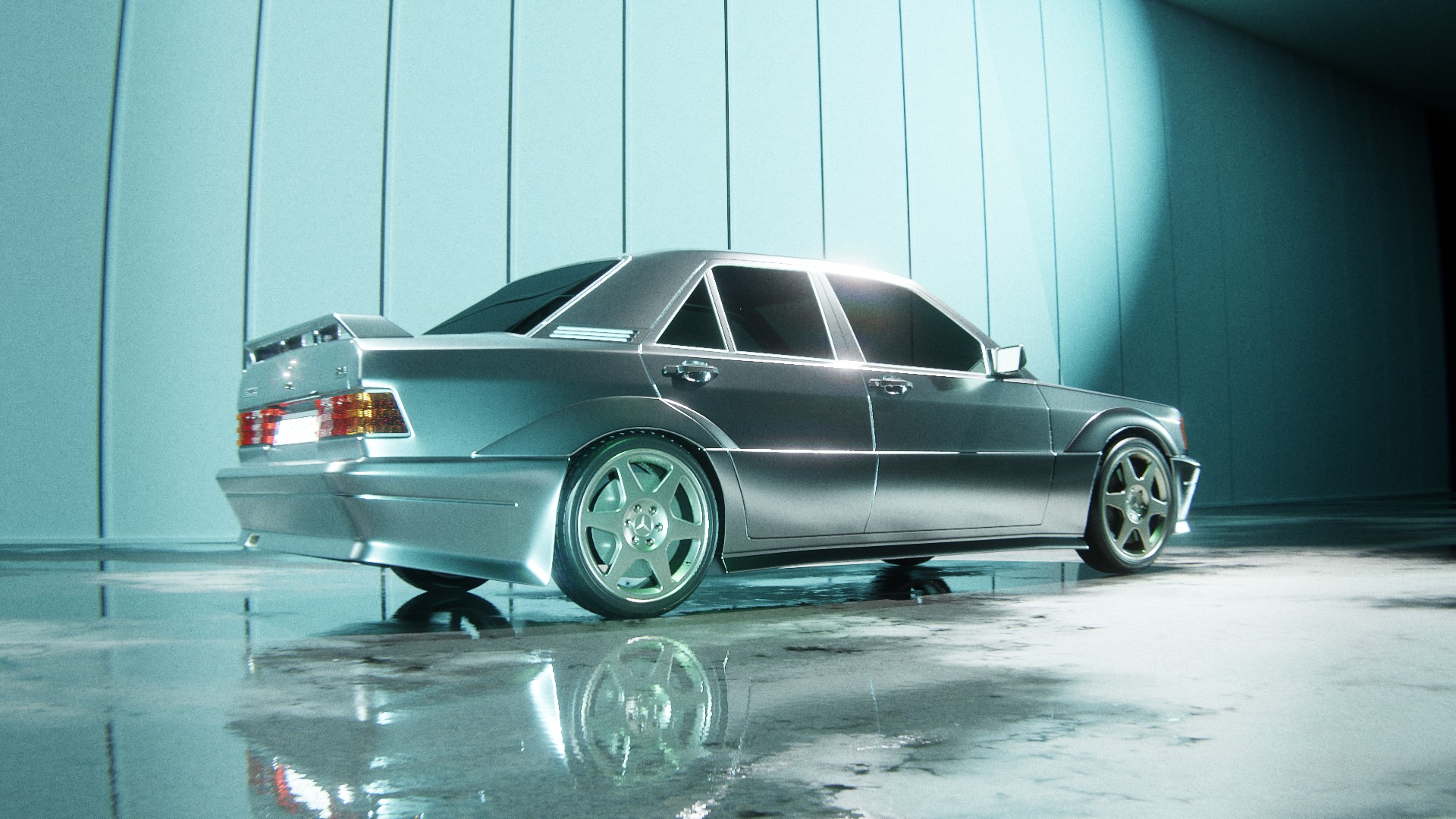

Enable dynamic asset movement with Flow Maps to add motion and visual interest, while keeping the system lightweight and avoiding unnecessary memory usage.
Compare renders with standard lighting and Light Master Pro. You will see how it adds more character, visual depth, and a unique artistic look to your render.
Pick the version that fits your workflow - from a compact light library to the complete LightMaster Pro collection.
A focused entry version for artists who want to improve their lighting quickly without a large asset library.
A larger lighting toolkit with more variety for regular render work, product shots, interiors, and stylized scenes.
The complete LightMaster Pro package with the full asset library and maximum creative range for cinematic lighting.
We provide lifetime support for this product. All future updates are included for free. If you have any questions, feel free to contact me on Superhive and I will be happy to help.
Yes, Light Master Pro works in EEVEE. Some features may be more limited compared to Cycles because of EEVEE engine limitations.
No. The assets are designed to stay lightweight and should not significantly affect scene performance.
Yes. If you already own the Light Textures Addon by NodeWorks, you can continue using those assets together with LightMaster Pro. Owners of the NodeWorks addon receive a free compatibility tool for merging both libraries into one workflow. Install it as a regular Blender addon and follow the included instructions. LightMaster Pro is a separate product built as a larger and more advanced artistic lighting toolkit, with 500+ assets, multiple categories, advanced placement, animation features, and expanded lighting controls. LightMaster Pro does not use any assets from the Light Textures Addon by NodeWorks. The compatibility tool is simply provided to make sure existing NodeWorks users can keep using their previous library and get more value from both products together.
Light Master Pro includes two main types of assets: digitally simulated light patterns, such as caustics and rays, and assets created from real-world light references, including photographed or observed lighting behavior. AI-assisted tools were used only as part of the production workflow for some assets. For certain real-world light references, AI helped isolate the light pattern from the original background more accurately and with minimal quality loss. You can view examples using the buttons below. AI upscaling tools were also used for selected assets to increase texture resolution, and in a few cases AI-assisted cleanup was used to remove digital artifacts more cleanly, as shown in the “Digital Artifact Removal” example. However, the library is not a set of raw AI-generated images. No assets were added as purely AI-generated light patterns without a real-world photo reference, observed light behavior, or a controlled digital simulation as the source. Every final asset was manually reviewed, post-processed, cleaned, adjusted, categorized, and optimized for use in Blender and 3D production. Even when AI-assisted tools were used, the final result was refined by hand to make sure the textures are practical, clean, and visually useful for real render workflows.