Destruction,
by design.

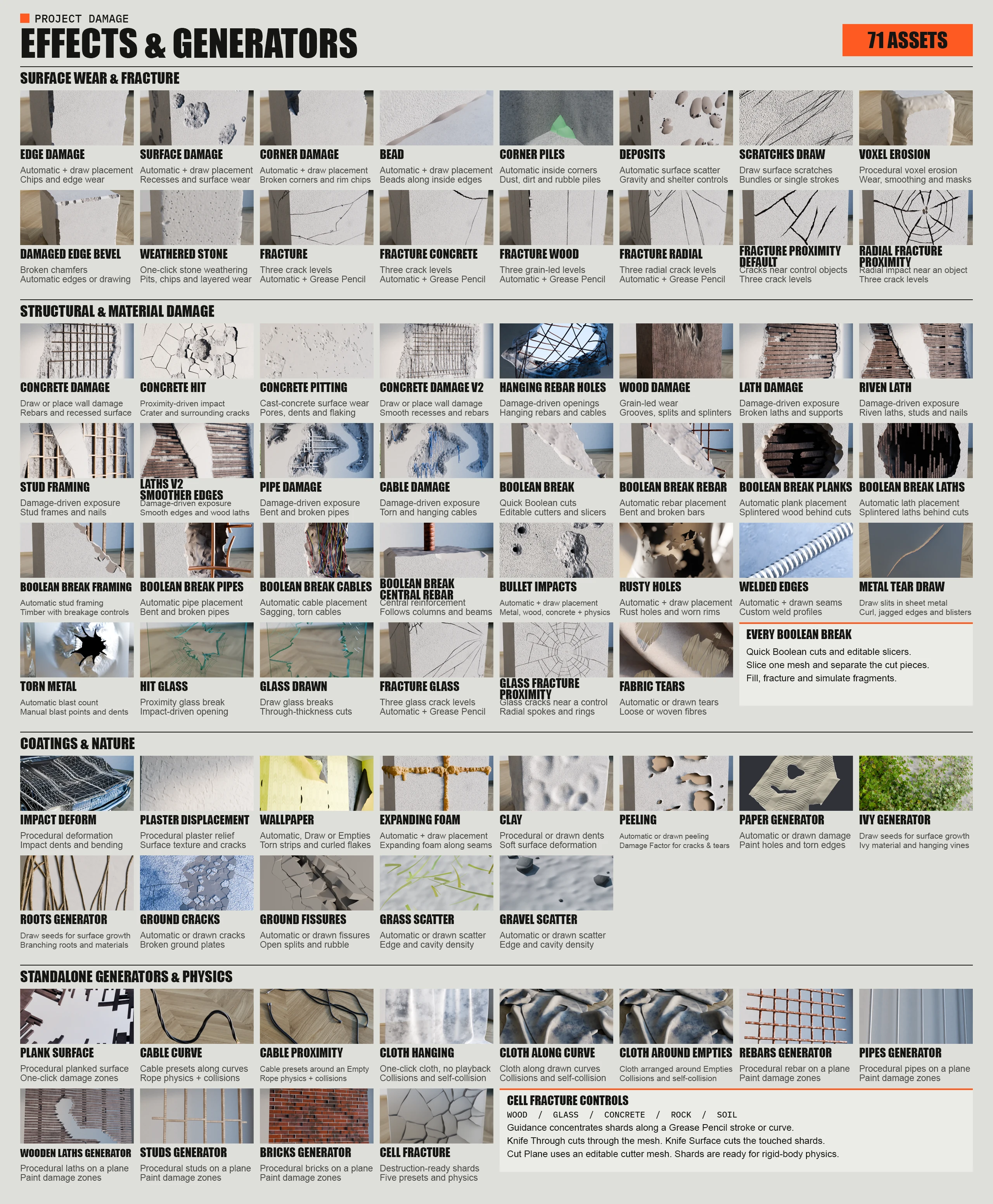
Give every surface a story. Shape chips, cracks and broken structures with an artist-directed damage toolkit for Blender.

Watch Project Damage
1,512Extended library presets
71Assets included
Project Damage sale

Break It!

Break It presets
StatueIntact statue
StatueSurface wear
StatueFractures
StatueSurface erosion
StatueFace damage
StatueExposed rebar
StatueFinal break
WallIntact wall
WallHairline cracks
WallImpact cracks
WallChipped plaster
WallExposed laths
WallWidening break
WallExposed rebar
WallBroken laths
Glass fractureIntact panes
Glass fractureBranching cracks
Glass fractureFine cracks
Glass fracturePartial break
Glass fractureShattered panes
MetalIntact metal
MetalDented surfaces
MetalTorn metal

Less perfect. More believable.

A chipped edge. A split board. The structure behind a broken wall. Build the details that make a scene feel like something happened here.

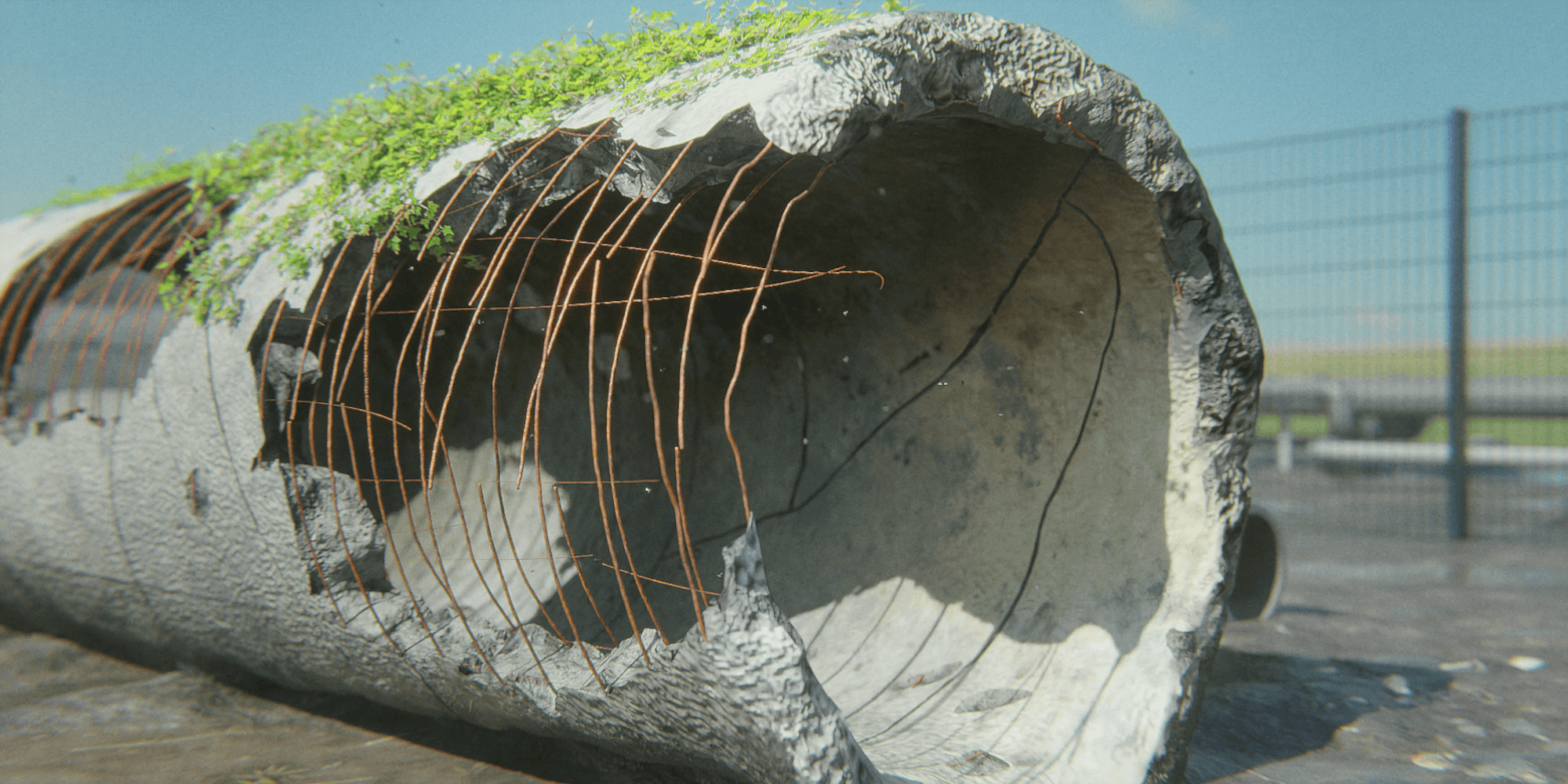
A section of the concrete pipe has broken away, exposing curved rebar beneath a patch of greenery.
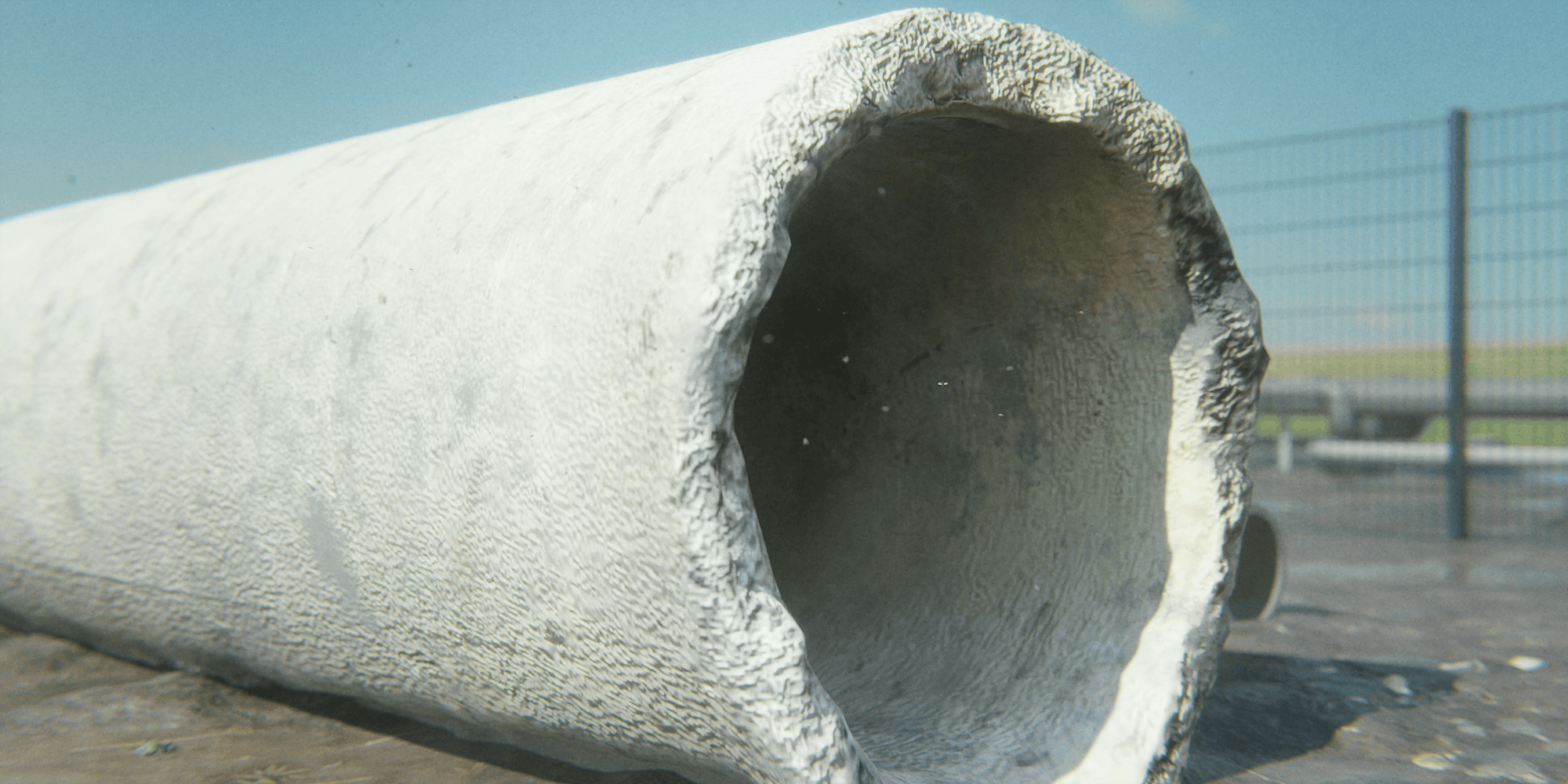
The intact rim and side of a concrete pipe in a sunlit yard.
BeforeScroll to compareAfter

One toolkit. Many ways to break.

Go from subtle wear to exposed interiors. Combine generators, select an effect in the hierarchy and refine its geometry, placement and materials.

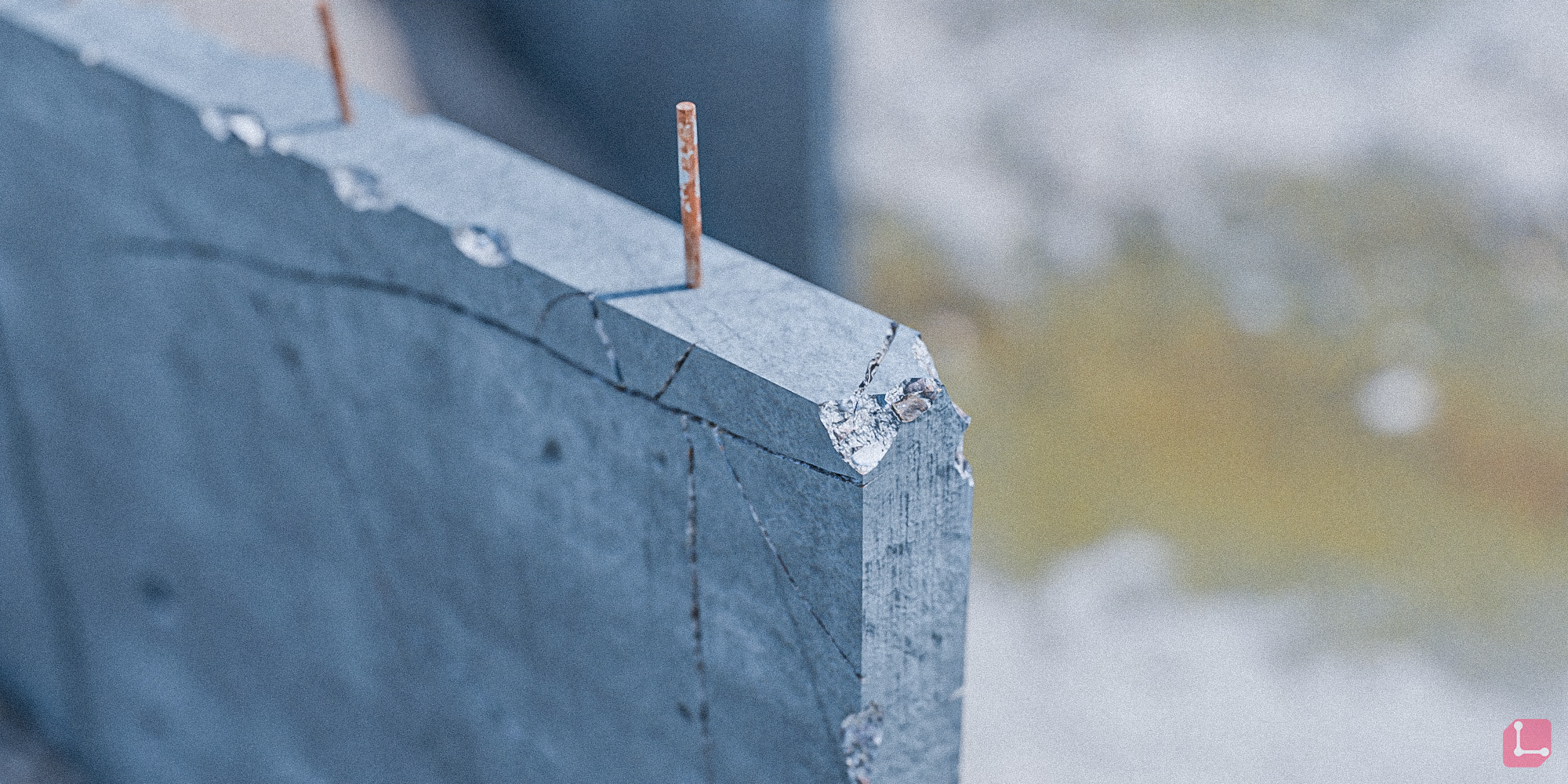
Chips along the top edge and corner of a concrete wall.
Edges & corners Wear
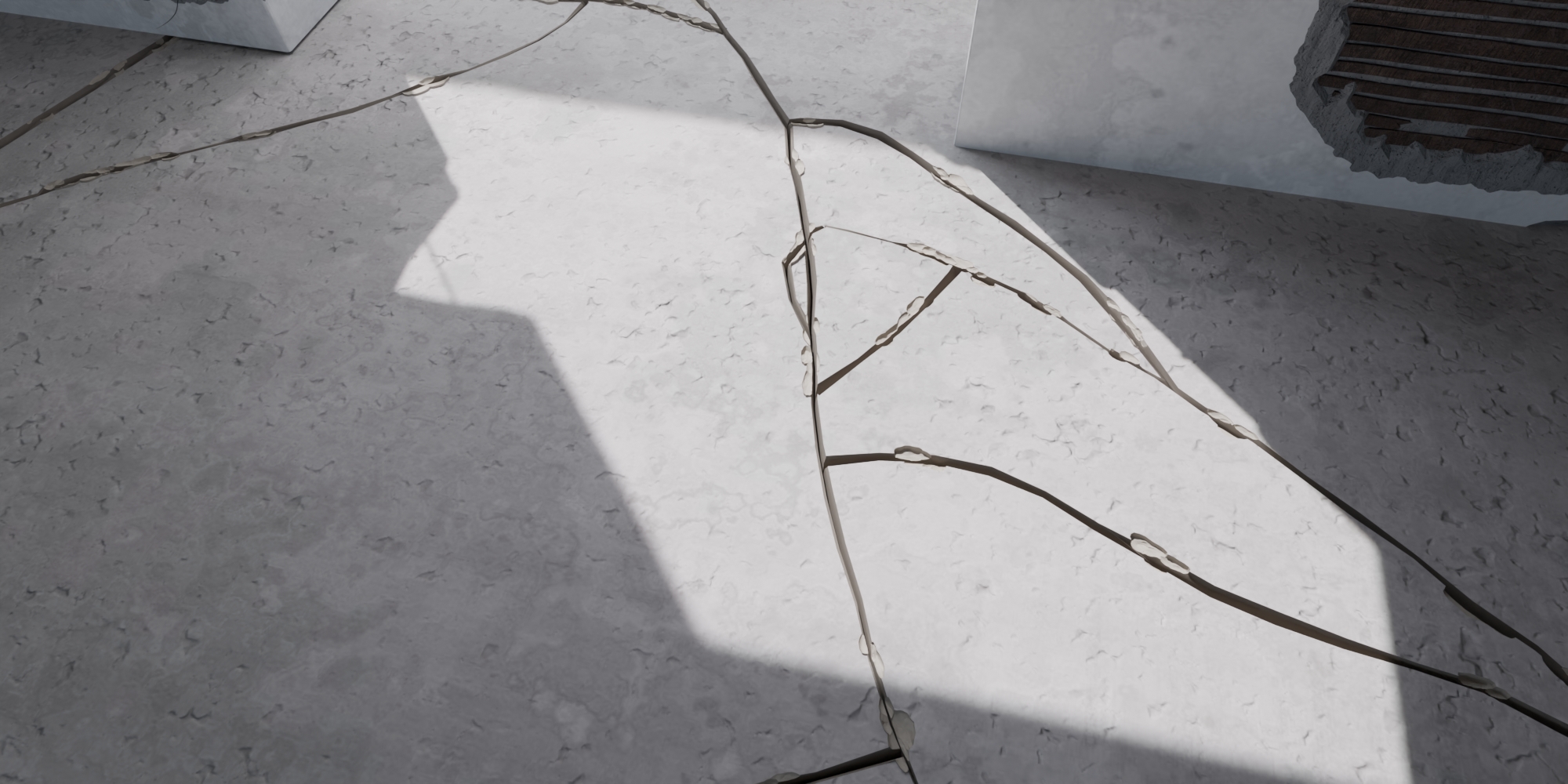
Branching cracks cross a sunlit concrete surface.
Cracks & fractures Split
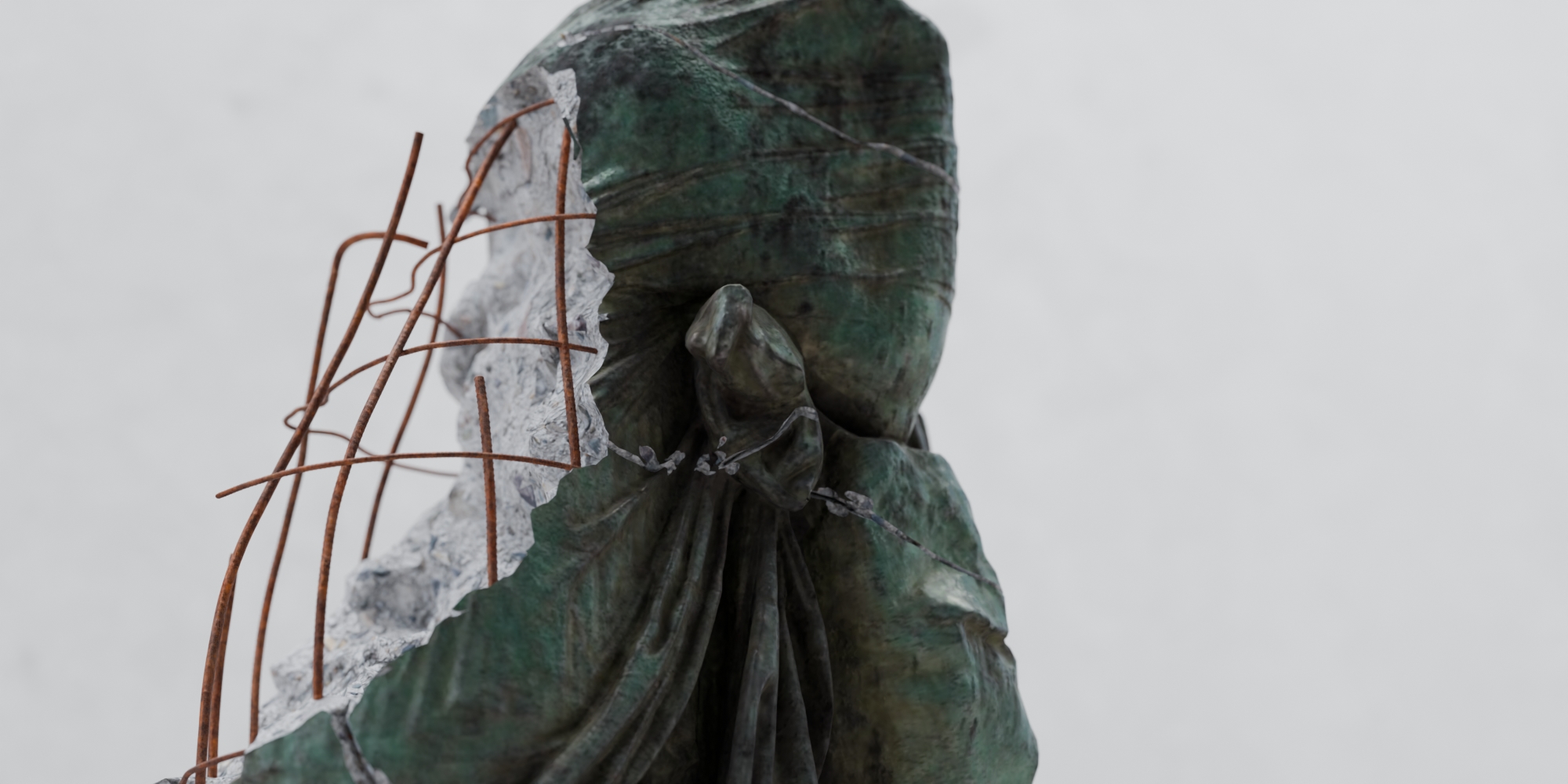
A cut through a statue exposes the reinforcement inside.
Boolean damage Cut
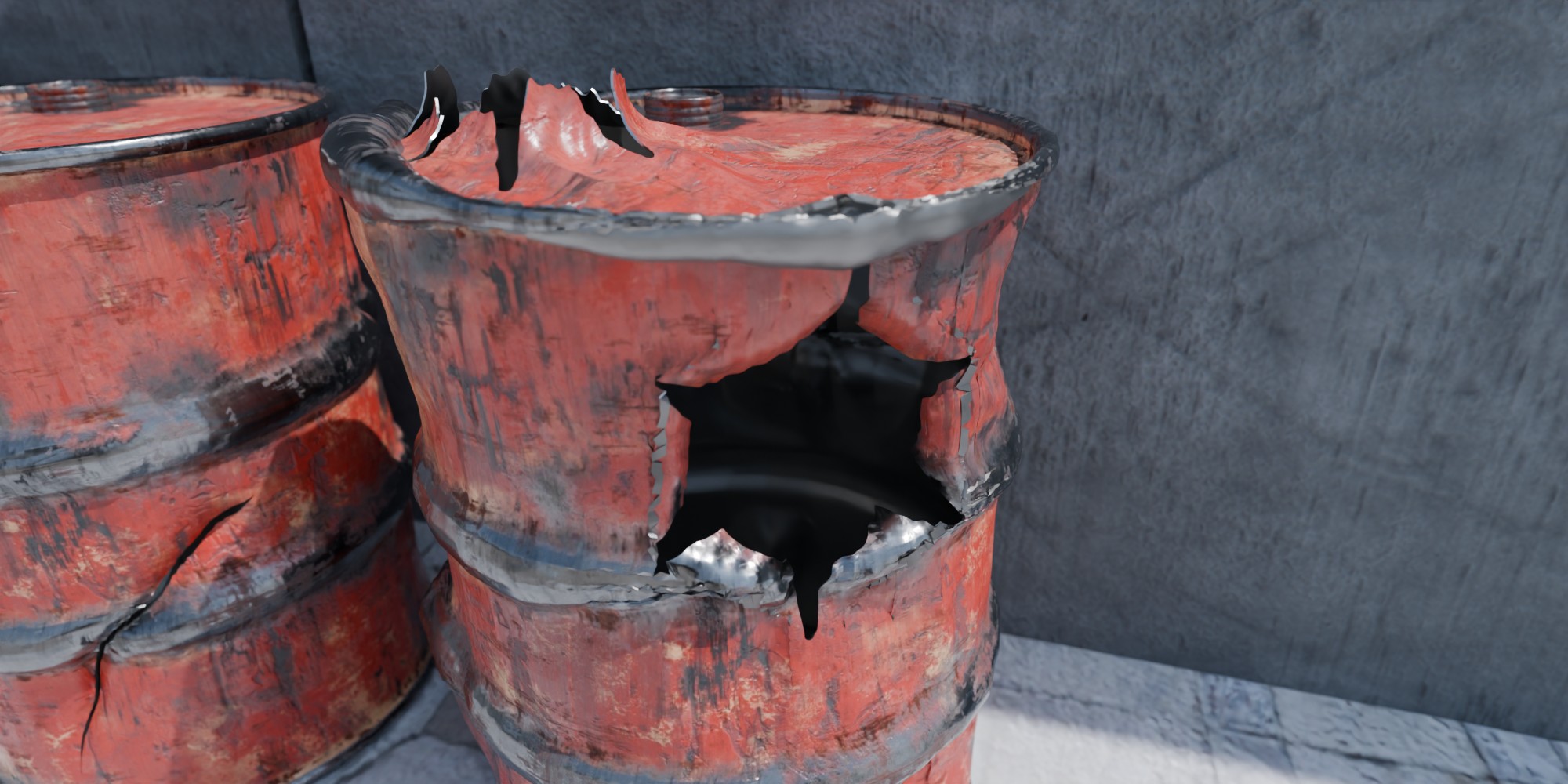
Tears and impact damage in metal.
Metal tears & impacts Tear
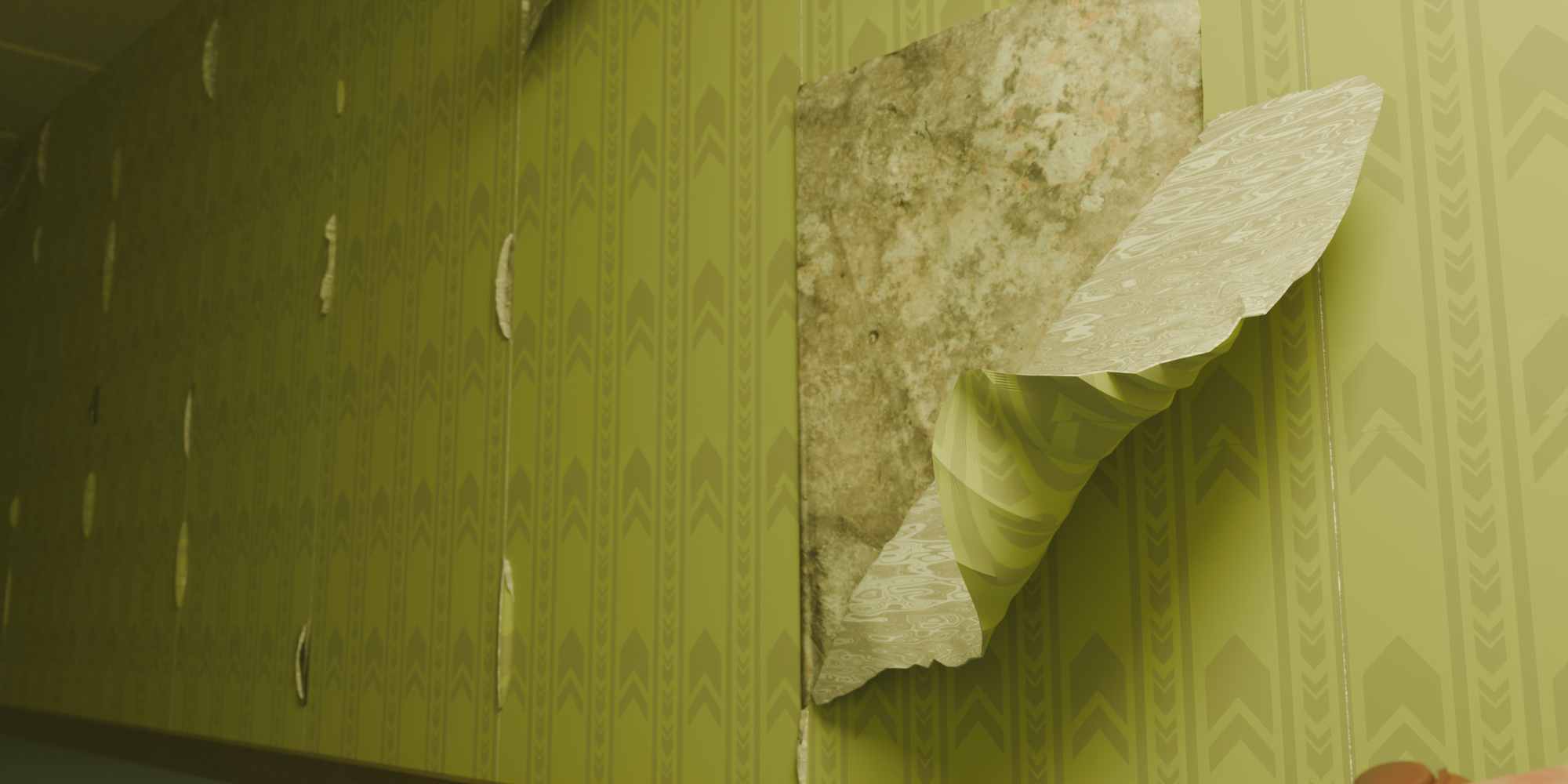
A strip of patterned wallpaper curls away from the wall.
Wallpaper Peel
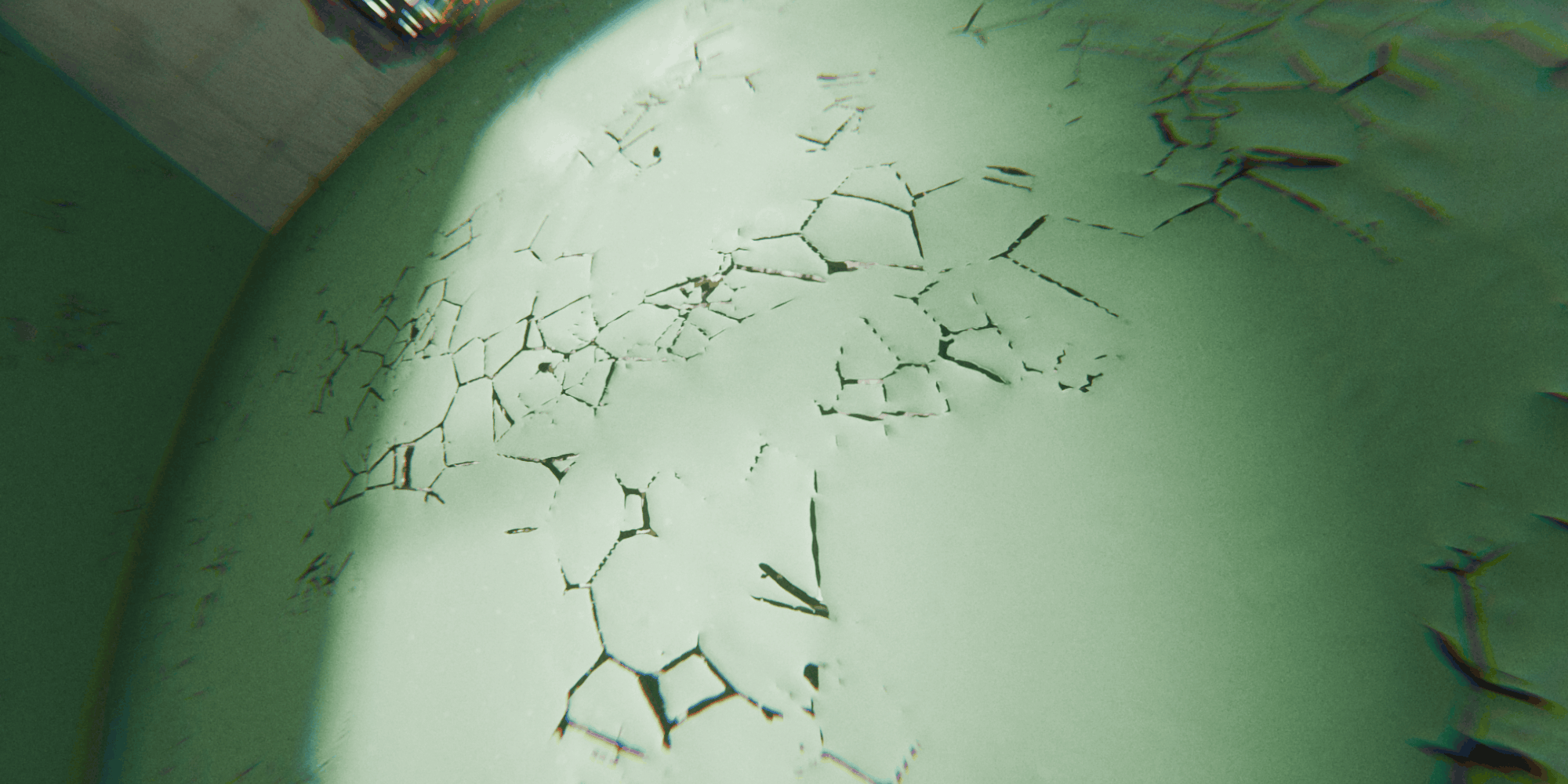
A surface layer peeling away from its base.
Peeling Lift

You decide where it breaks.

Draw where damage appears and keep the source mesh editable.

Pipes & Planks

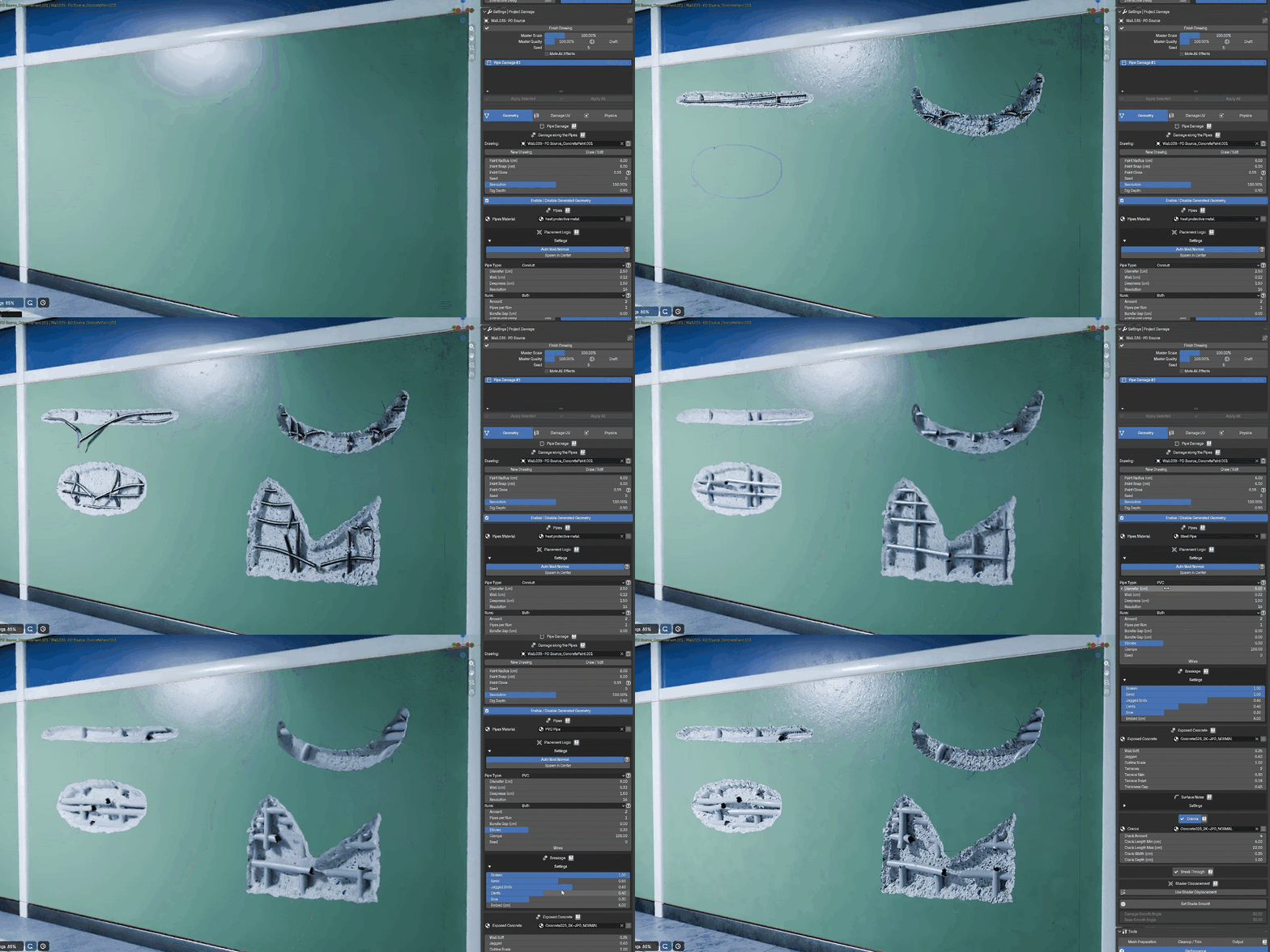
Drawn openings in a wall reveal the pipes inside.
Pipes DrawDraw where pipes show through the wall.
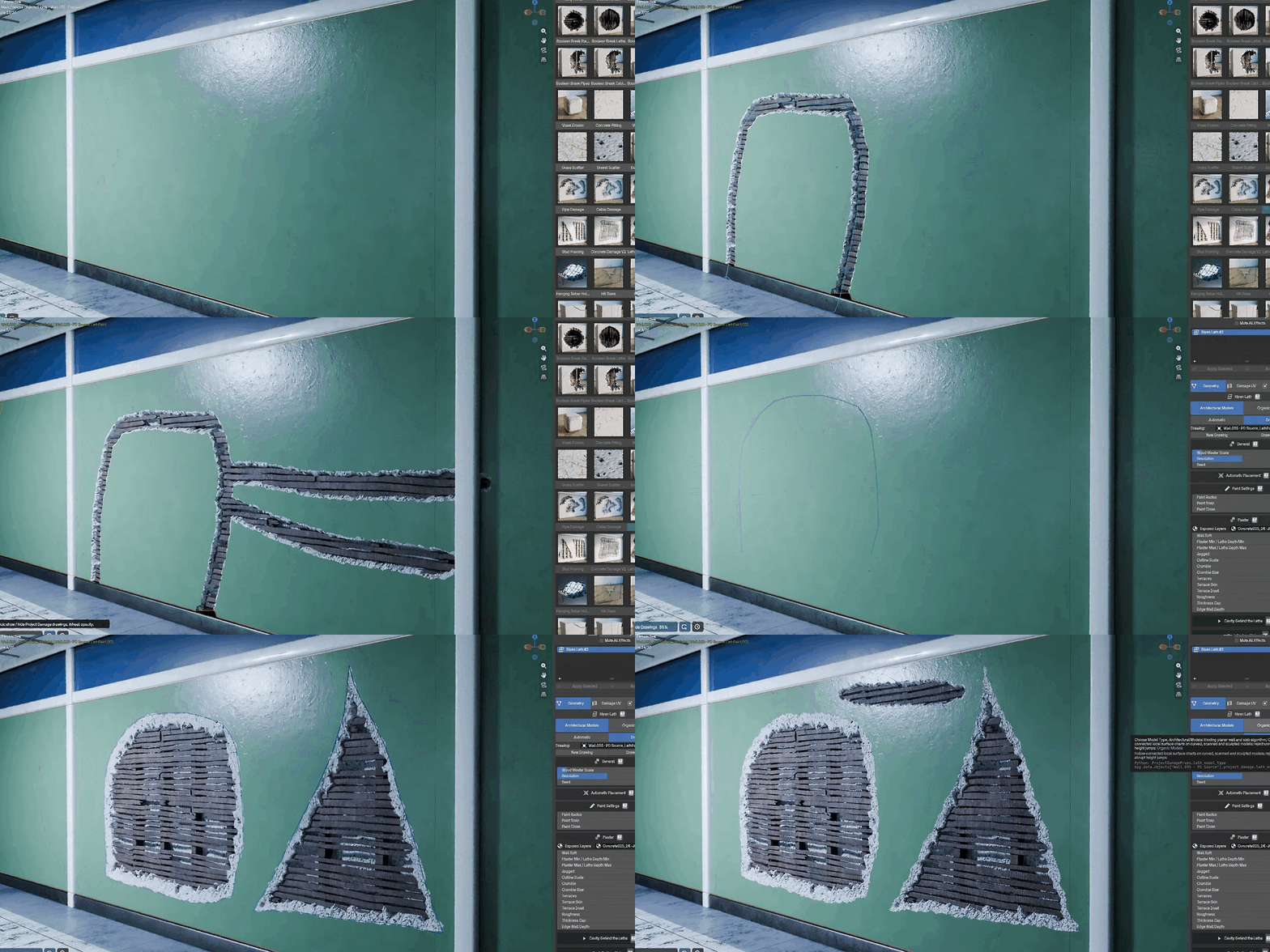
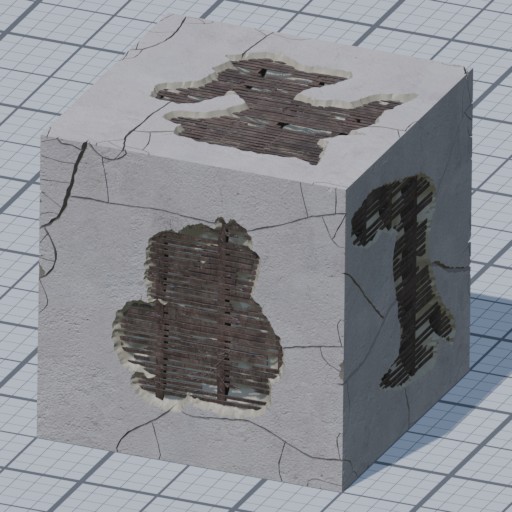
Drawn shapes in the wall expose the planks beneath the surface.
Planks DrawExpose planks along a drawn shape.

Surface Damage

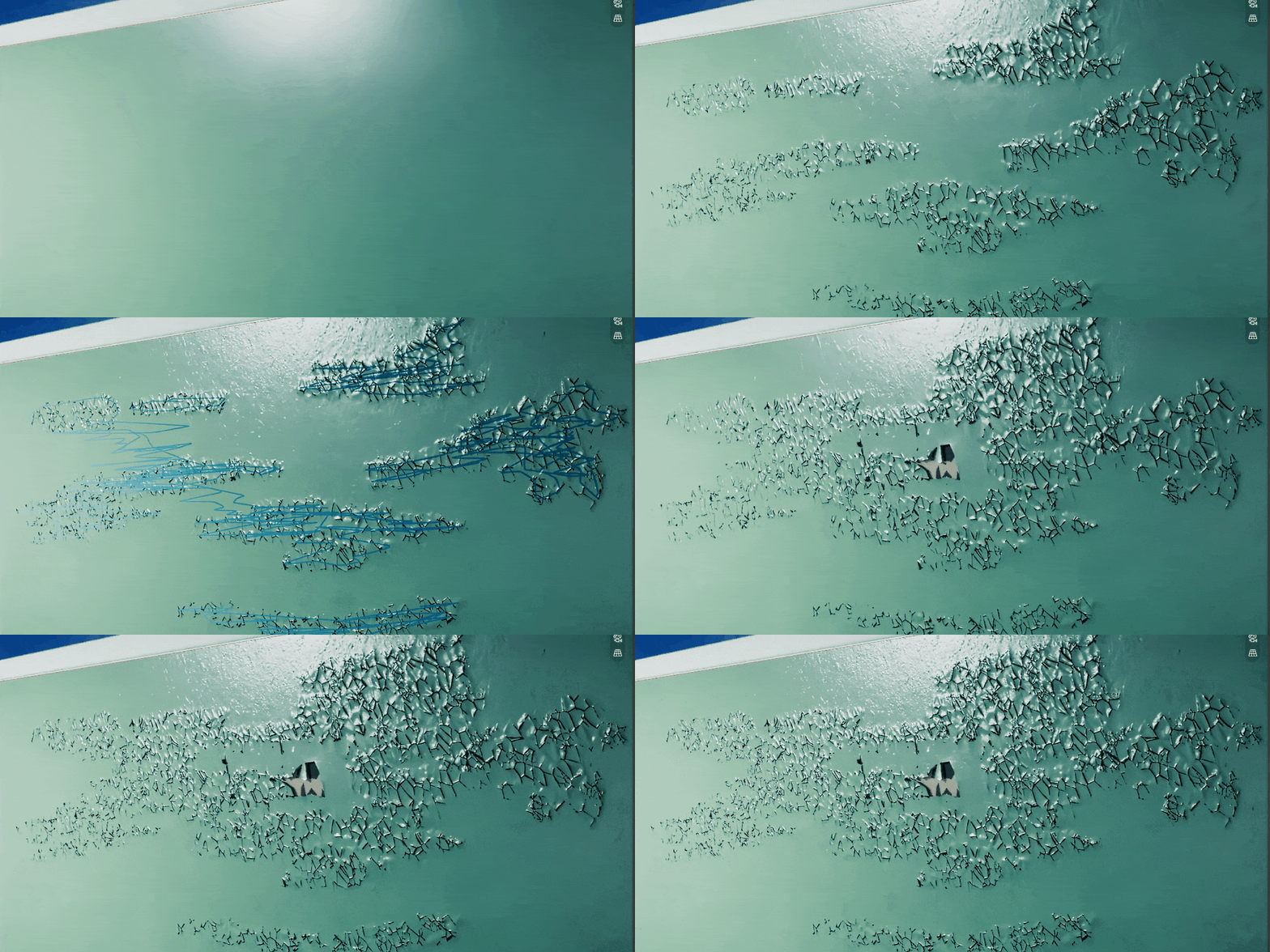
Strokes on the green surface define the areas that peel away.
PeelingDraw where the surface peels away.
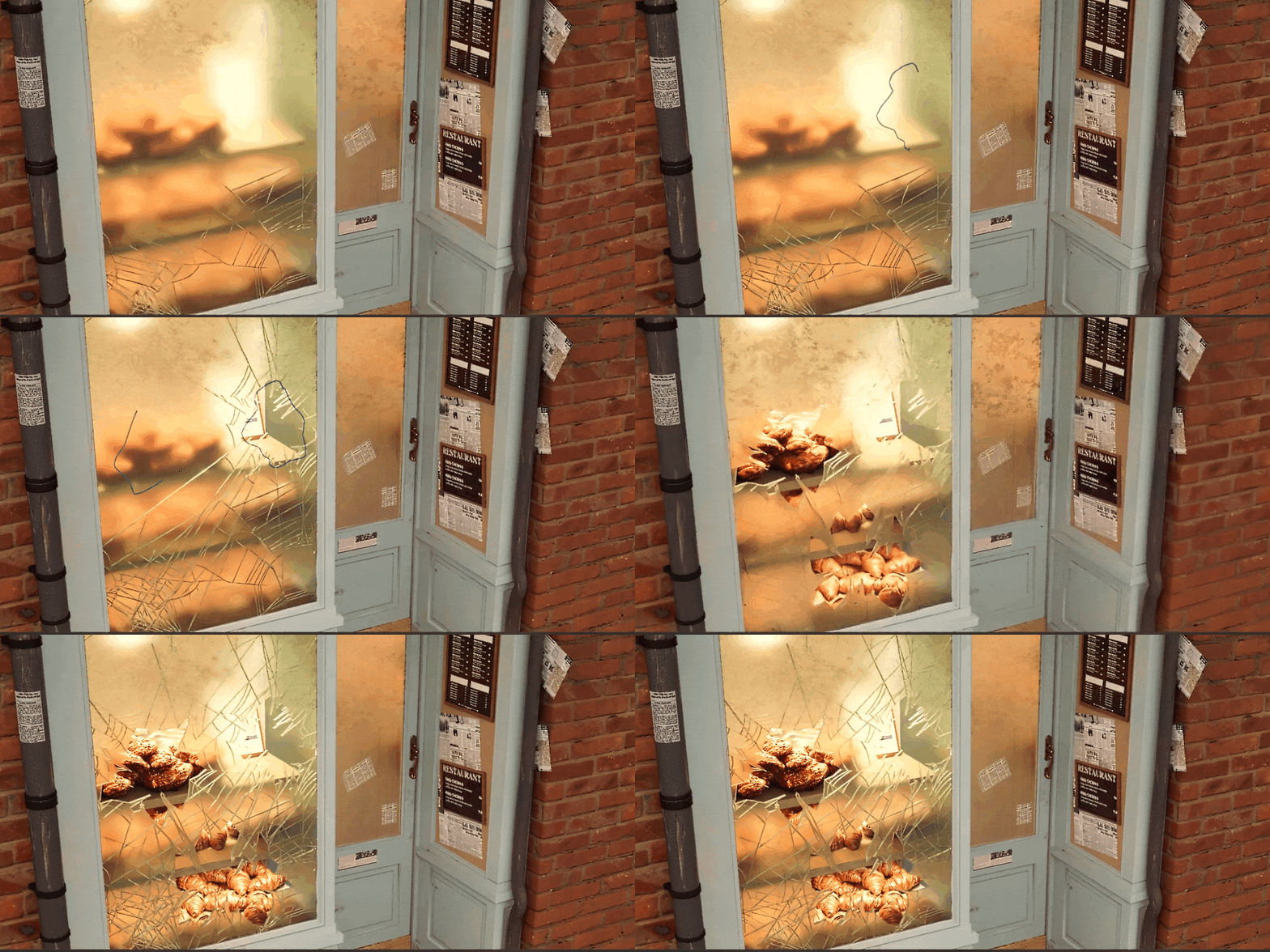
Drawn damage creates cracks and an opening in a shop window.
Glass DrawDraw where the window cracks and breaks.
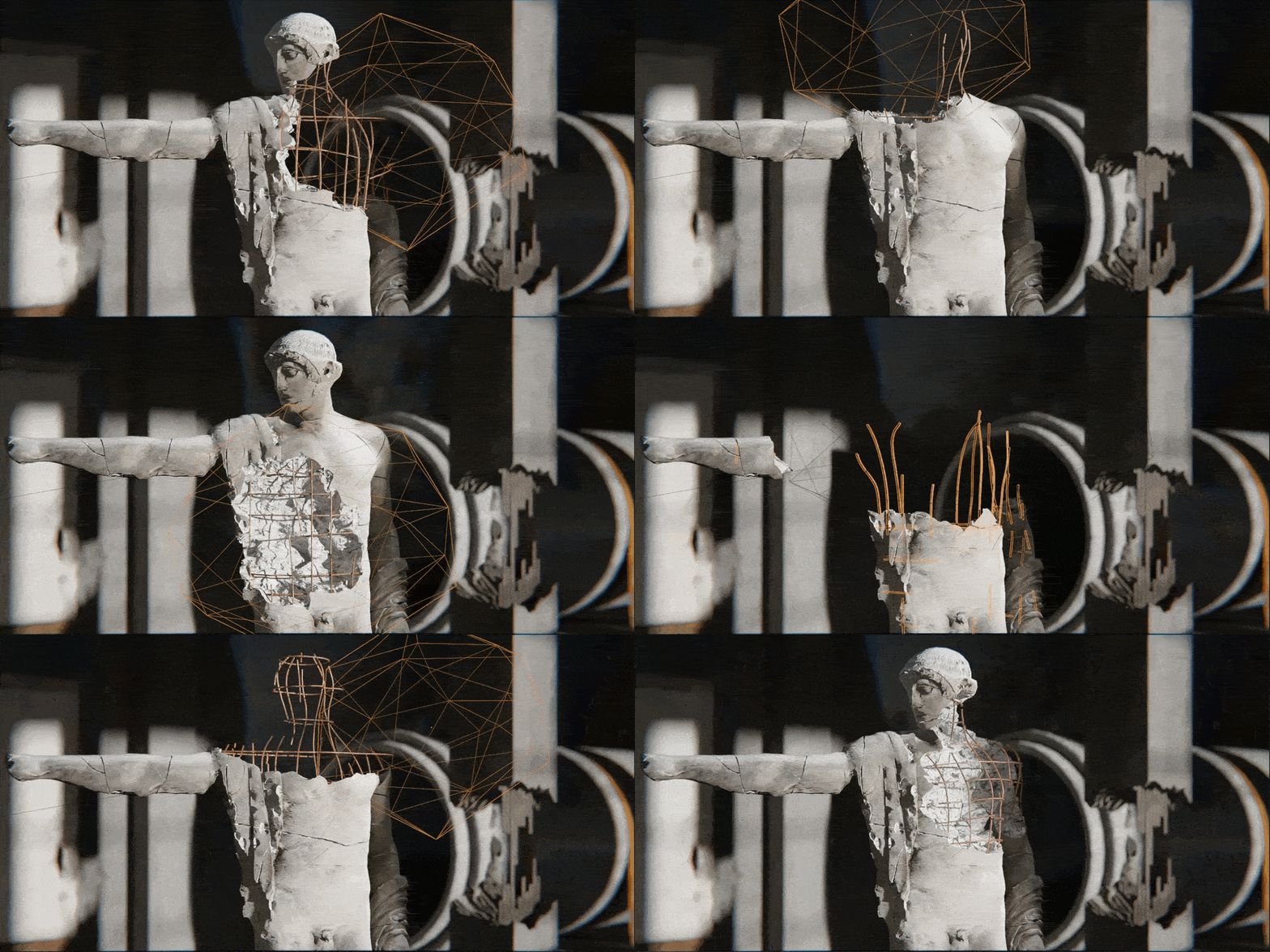
A boolean cutter opens different parts of the statue, revealing its internal reinforcement.
Statue Bool and Break

Quick Physics

Fracture a mesh and simulate how the pieces fall.

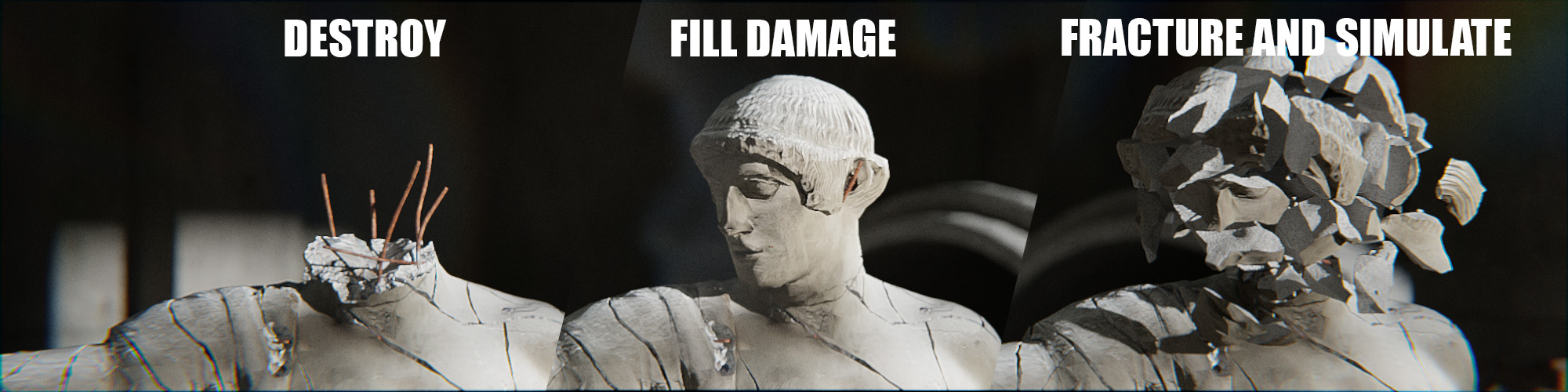
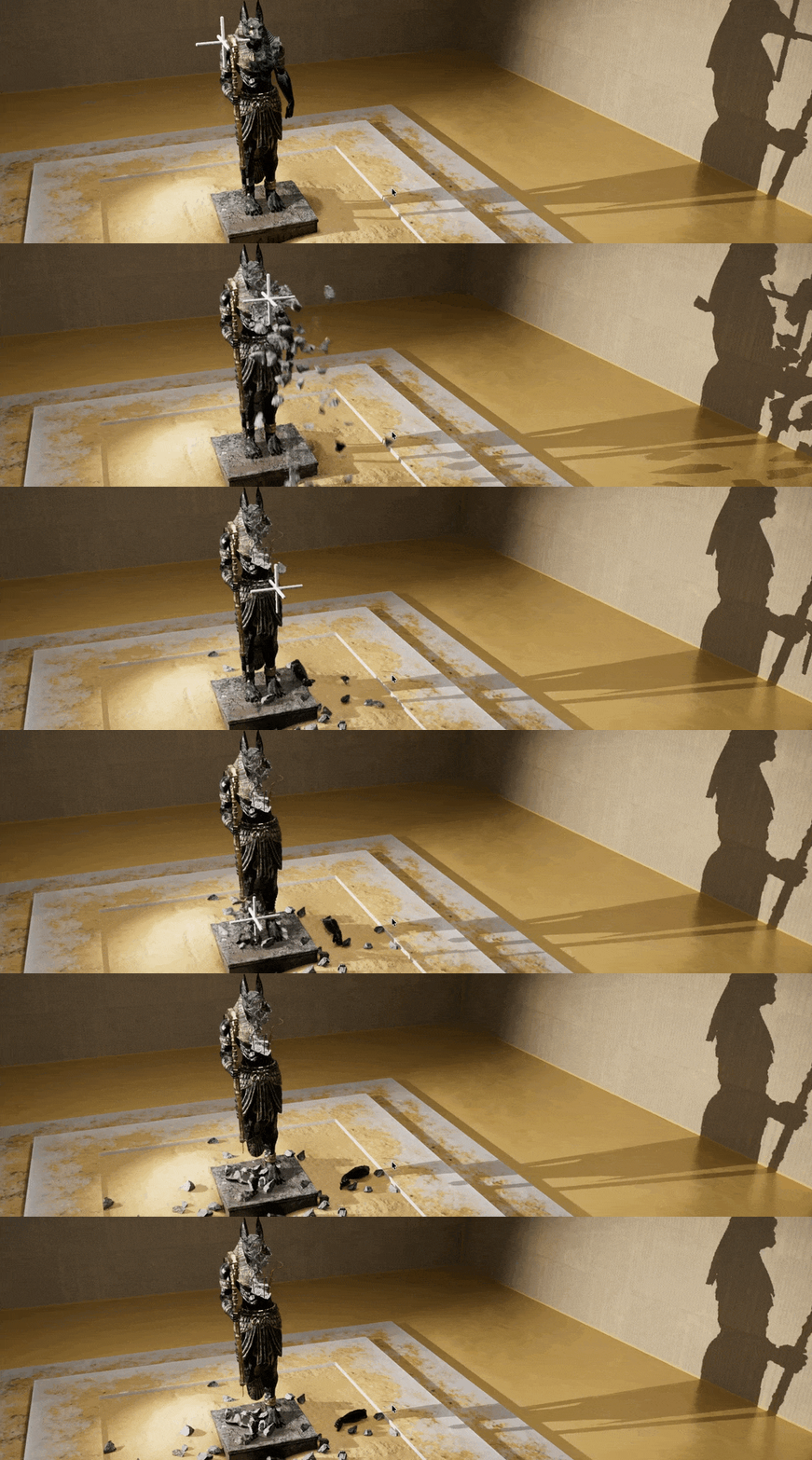
The statue in three stages: destroy the mesh, fill the damage, then fracture and simulate the pieces.
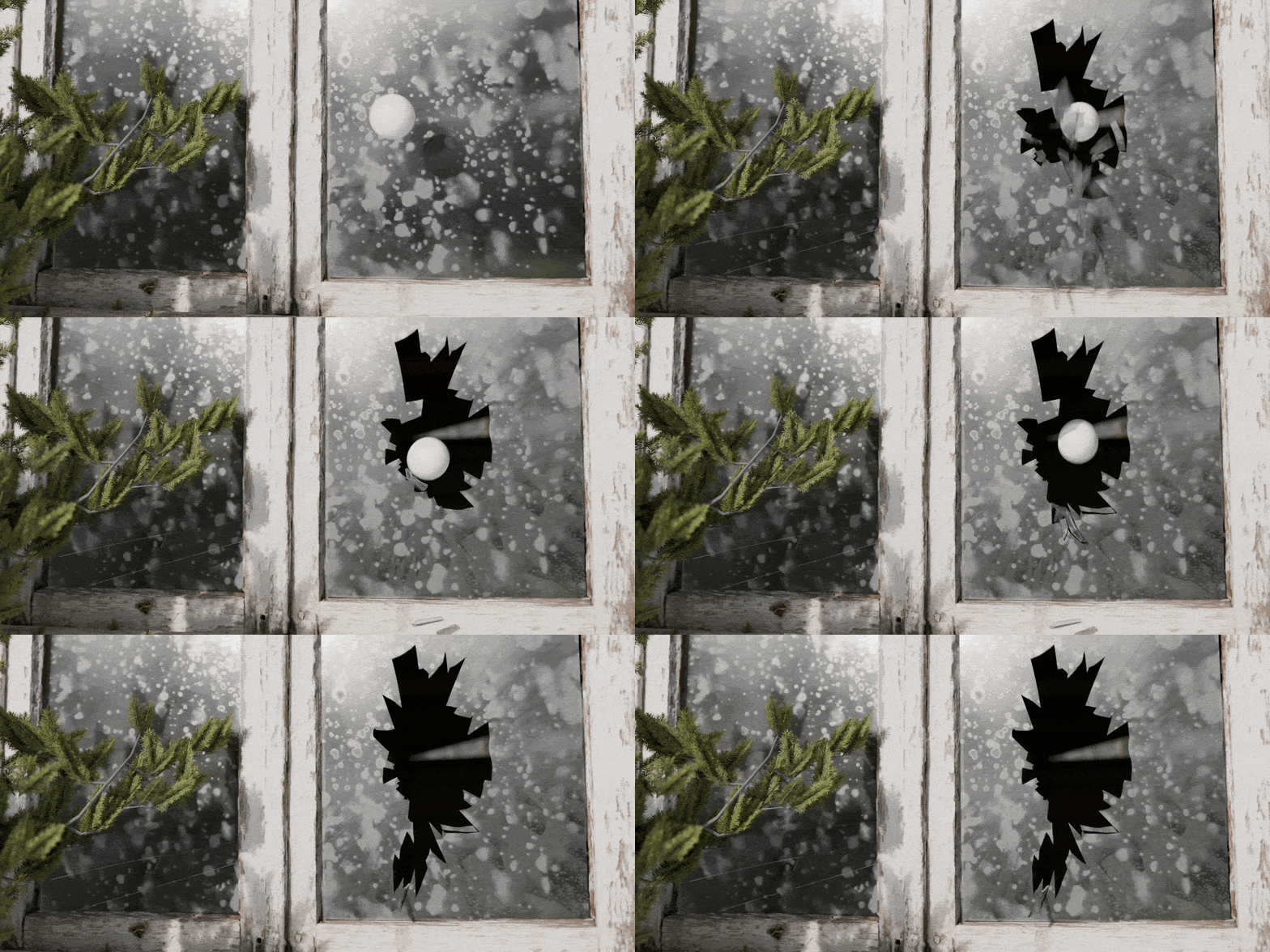
A ball strikes a window and triggers a chain reaction across the glass.
Glass Chain Reaction
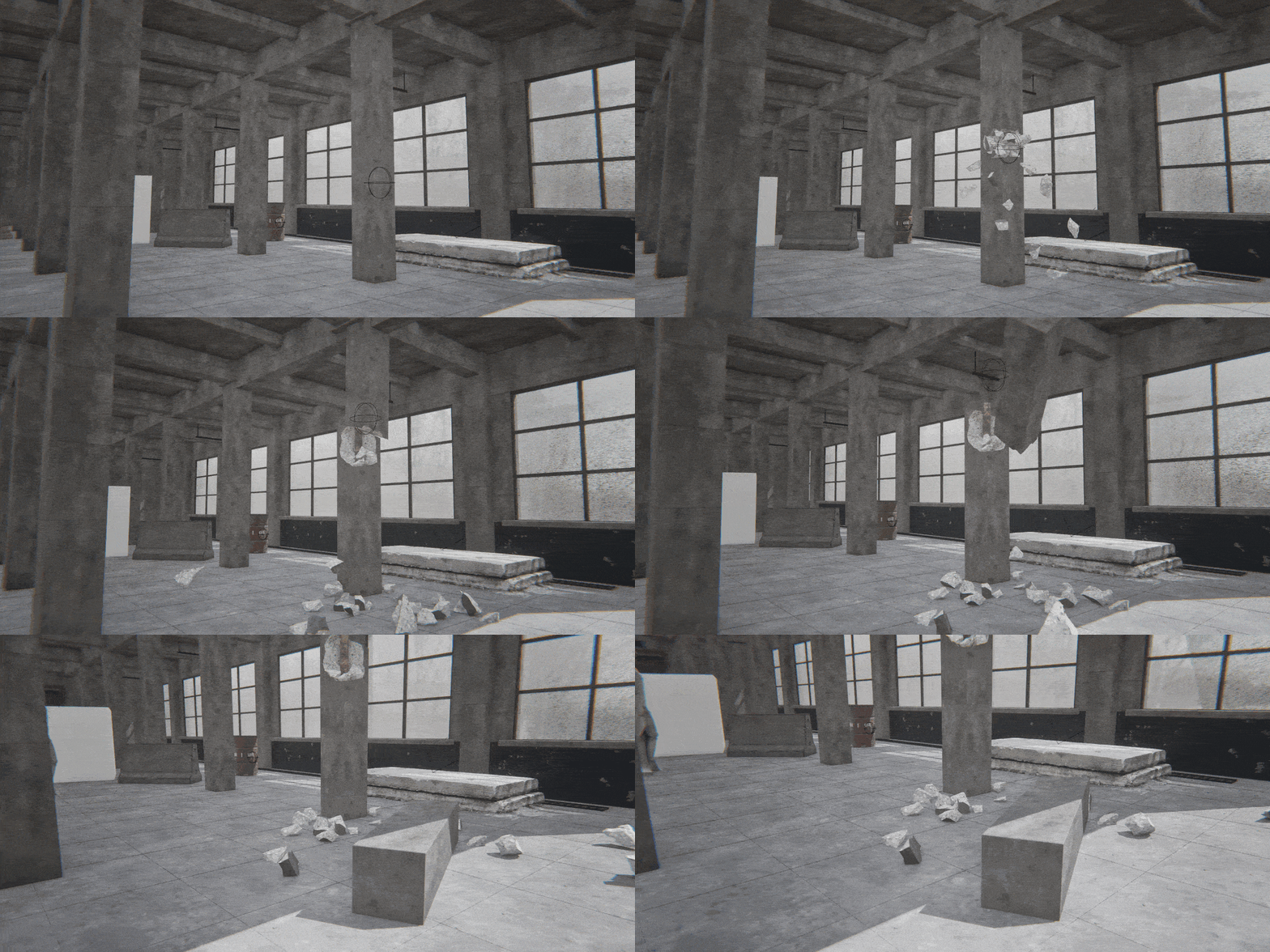
Fragments break away from a concrete column and scatter across the floor.
Cell Fracture Column
Fragments break away from an Anubis statue and fall onto its base.
Use Fill Damage to restore the missing volume before fracturing and simulating the pieces.
1,512

Presets in the extended library

Start with a look.
Make it your own.

Choose a focused single-effect look or a setup combining several generators. Browse the rendered previews, apply a preset and tune each effect for your scene.

Damage, layer by layer.

Starting mesh

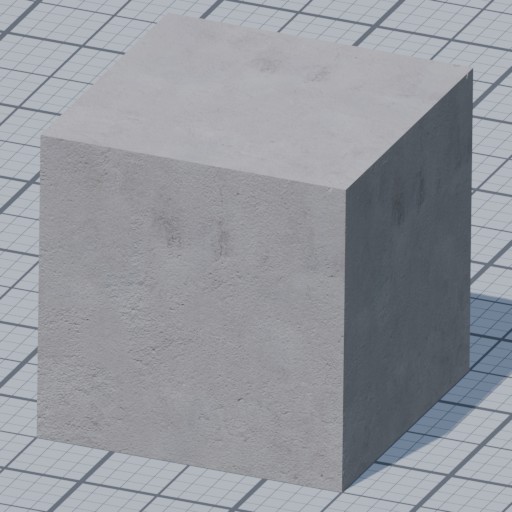
Plain concrete

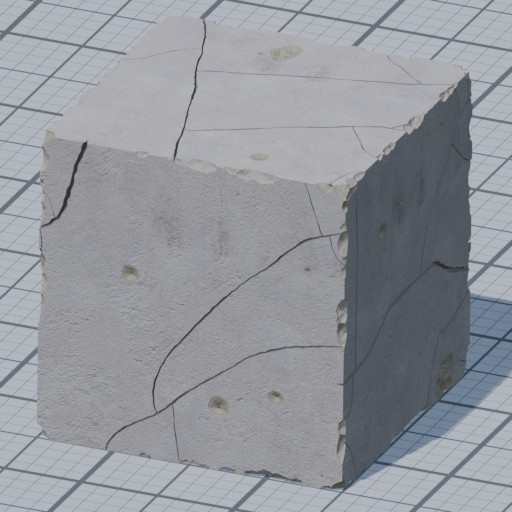
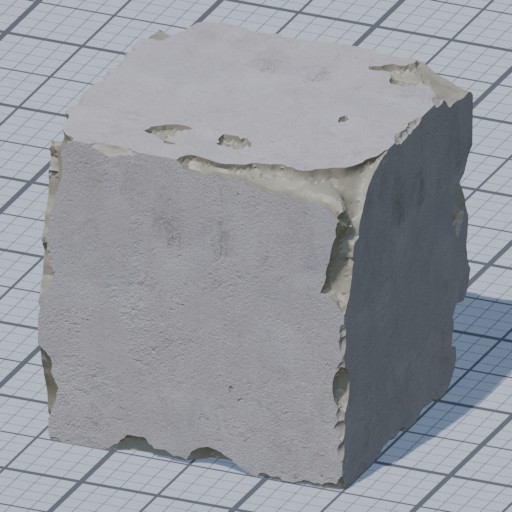
Start with a plain concrete wall. Add effects one at a time to see how they build on each other.

Effect 1 of 8

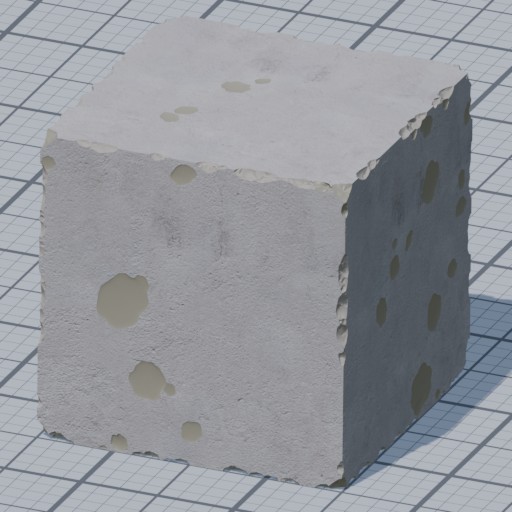
Edge damage

Chip the sharp edges and break up the rim at the base of the wall.

Effect 2 of 8

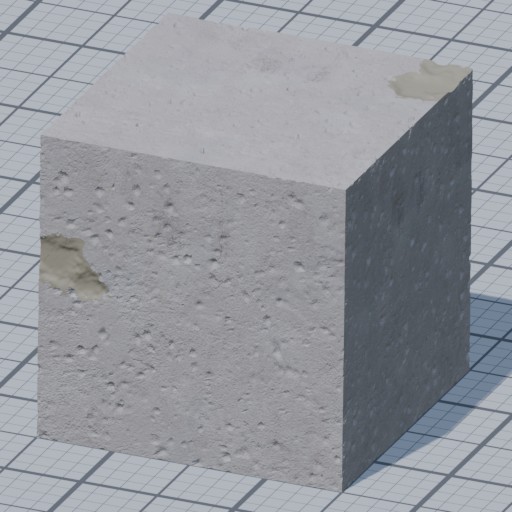
Surface wear

Add subtle irregularities across the concrete face.

Effect 3 of 8

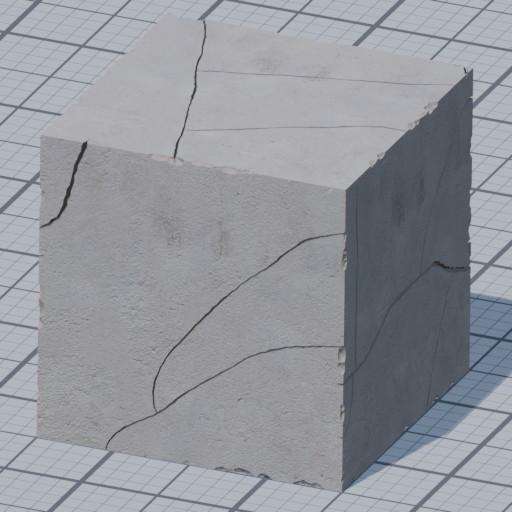
Fracture

Run long cracks down the slab and across its base.

Effect 4 of 8

Bullet Hit

Add bullet impact marks across the concrete, with chipped edges around each hit.

Effect 5 of 8

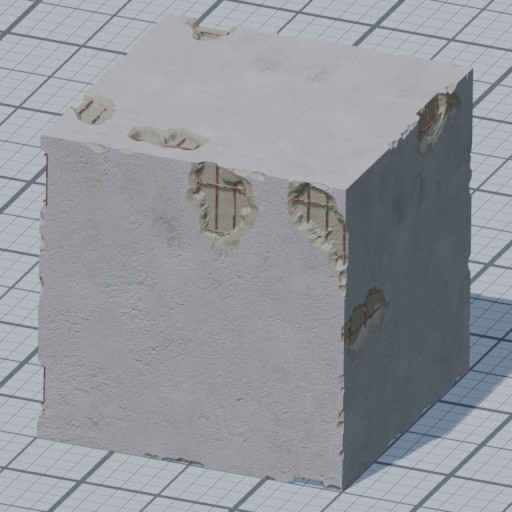
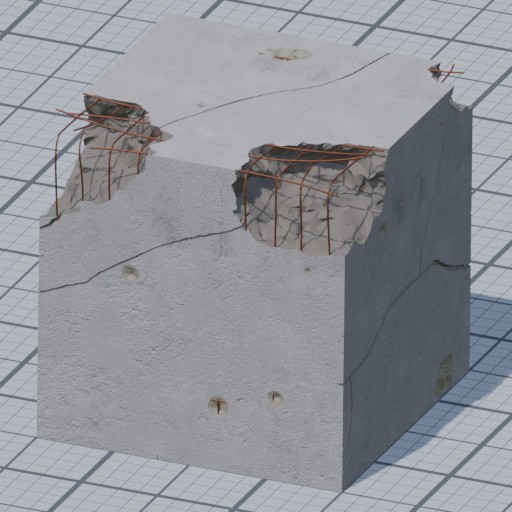
Break and expose rebar

Cut away part of the concrete to expose the rebar. Project Damage automatically generates the reinforcement as procedural geometry inside the mesh.

Effect 6 of 8

Fracture around the break

Add branching cracks around the opening and tie it into the damage across the wall.

Effect 7 of 8

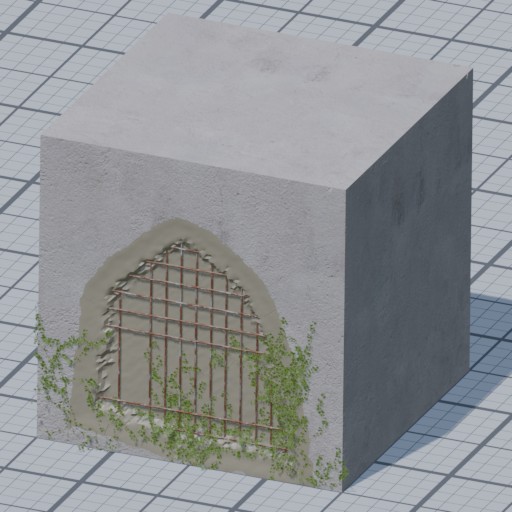
Ivy growth

Add ivy that climbs the wall and spreads across the base.

Effect 8 of 8

Adaptive Displace

Add fine surface relief with high-quality displacement, adaptive subdivision, and Pin Groups support.

Alternate look 1 of 2

Tall exposed rebar

Take away the upper section and leave long, bent bars exposed above the concrete.

Alternate look 2 of 2

Short exposed rebar

Try a shorter, uneven break with less steel projecting above the wall.

Before you
purchase.

A few things to know about the geometry, performance and animation workflow, so you can plan how Project Damage fits your projects.

Supported operating systems
Windows (64-bit) and macOS (Apple silicon)

Each platform has a separate add-on ZIP.

01 / TOPOLOGY

A retopology pass for game assets.

Procedural damage can create dense, triangulated areas and irregular edge flow. Clean, production-ready topology is not generated automatically. For game-engine assets, plan for retopology and optimization by hand or with your preferred external tools.

02 / PERFORMANCE

Detailed geometry takes calculation time.

A capable computer is recommended, especially for dense meshes and detailed damage. Even with the compiled C++ core, complex geometry needs time to rebuild after changes.

Manual Update lets you choose when to recalculate. Background Calculation moves supported calculations into a separate process, helping keep Blender responsive, while Draft Mode offers a lighter preview.

03 / SOURCE OBJECTS

Work from a static mesh.

Animated source objects, including rigged or deforming meshes, are not supported. Generate damage on a static source. This is separate from the supported rigid-body workflow, which can animate the generated fragments.

04 / PARAMETER ANIMATION

Damage settings are not animatable.

Keyframed animation of damage parameters is not supported. Settings are sent to an external compiled C++ core to rebuild the mesh; this workflow does not evaluate changing damage parameters on every animation frame.

05 / EXPERIMENTAL PHYSICS

Fill and drawn fracture are experimental.

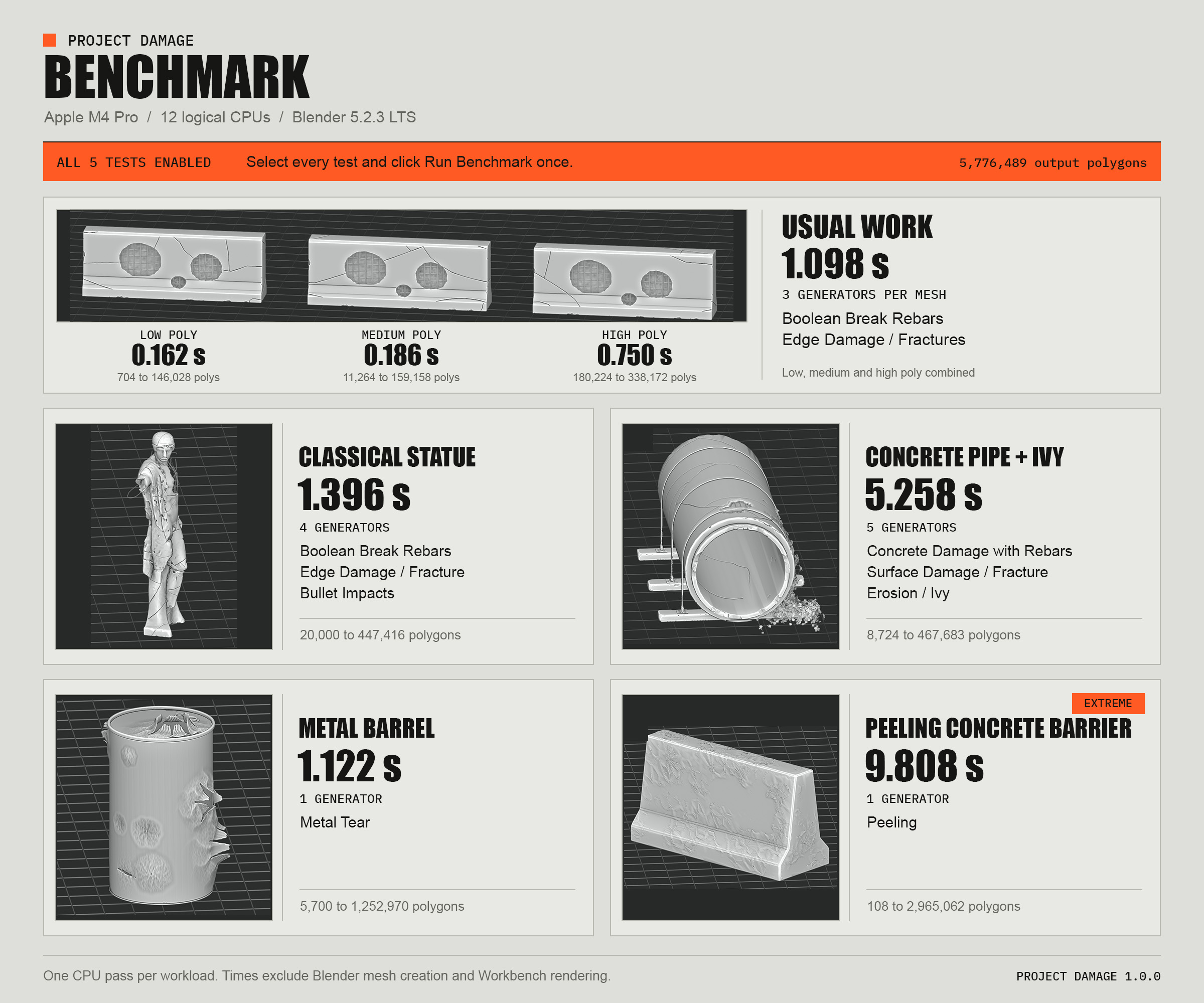
Fill Damage rebuilds missing volume for simulation. Guidance and Knife Through in Cell Fracture use drawn strokes to guide or cut the pieces. In my tests, these tools worked well on roughly 90% of the models I tried. On particularly complex meshes, fills can be incomplete and some drawn cuts may fail.

I’ll keep improving reliability in future updates. The current price covers the static toolkit, and you can try the experimental physics tools at no extra cost. Once I finish the physics module, the price for new purchases will increase by 30%.

I've put a lot of work into making Project Damage comfortable to use, even within these performance limits. Manual updates, background calculation and draft previews help you stay in control while building detailed results.

Visit the documentation tab for full information, requirements and limitations.

Watch it in action.

Watch YouTube tutorials playlist

Going experimental.

Standard builds use one thread. The experimental Windows build uses multiple threads and can run up to 2× faster on some tasks.

You may encounter unexpected behavior. I’d love to hear your feedback.

Windows standard
Project_Damage_1.0.1_Windows_x64.zip
macOS standard
Project_Damage_1.0.1_macOS_arm64.zip
Windows experimental
Experimental_Project_Damage_1.0.2_Windows_x64.zip
Materials
CC0 Materials For Project Damage.zip
Extended preset library
Extended Built-in Presets.zip

We’d love your feedback 

Give your scene
some history.

Questions about Project Damage, setup or a particular effect? Get in touch with Lazy3D.

Contact on SuperHive